
Is ThinkPad L Series Suitable for Business?


Is Lenovo ThinkPad L Series Suitable for Business?
Choosing the right laptop for employees is an important decision for businesses. A business laptop needs to handle everyday applications, support multitasking, provide reliable connectivity and offer suitable security features. It should also fit the organization’s budget and employee requirements.
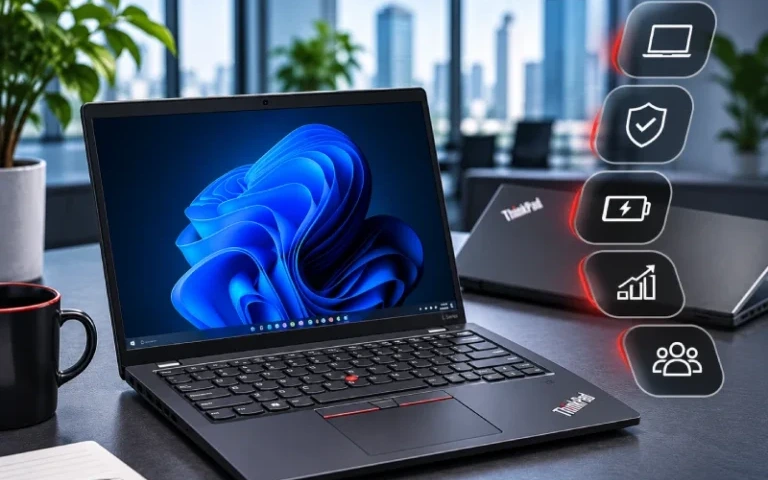
The Lenovo ThinkPad L Series is designed for professionals and organizations looking for practical business computing at a value-oriented price point. Its range includes compact laptops, conventional office laptops and convertible 2-in-1 models.
But is ThinkPad L Series good enough for everyday business operations? Can it handle office applications, video meetings, multitasking and corporate workloads?
Yes. Lenovo ThinkPad L Series laptops are suitable for many small business and corporate environments, particularly when configured with an appropriate processor, memory and storage. However, the right model depends on how employees will use their laptops.
Is ThinkPad L Series a Good Business Laptop?
Yes. The ThinkPad L Series is part of Lenovo's commercial laptop portfolio and is designed around business productivity, practical features and cost-conscious purchasing.
Unlike laptops designed primarily for gaming or entertainment, ThinkPad L models focus on professional requirements such as comfortable typing, business applications, connectivity and security options.
The series can be a good fit for:
- Small and medium-sized businesses.
- Corporate employees.
- Office and administrative teams.
- Remote and hybrid workers.
- Sales and customer support professionals.
- Consultants and business travellers.

One of its advantages is the availability of different models and configurations. Businesses can choose a compact L13 for employees who travel frequently, an L14 for general office work or an L16 for employees who prefer a larger screen.
For organizations comparing different Lenovo business laptops, the Lenovo ThinkPad L Series product range is a useful starting point.

What Business Features Does ThinkPad L Series Offer?
ThinkPad L Series laptops combine several features that support everyday professional work. Exact specifications vary by generation and configuration, so businesses should check the product details before purchasing.
Employees often spend several hours each day writing emails, preparing reports, updating spreadsheets and working with business applications.
ThinkPad laptops are known for their keyboard design and TrackPoint navigation system. These features support users who spend significant time typing and navigating documents.
The L Series follows this productivity-oriented approach, making it suitable for regular office work.
Depending on the configuration, ThinkPad L laptops are available with Intel or AMD processors.
They can support common business applications, including:
- Microsoft Word, Excel and PowerPoint.
- Microsoft Outlook and Teams.
- Web-based CRM and ERP platforms.
- Accounting and financial applications.
- Project management software.
- Cloud-based business tools.
For employees who regularly work with several applications simultaneously, choosing sufficient RAM is important.
A configuration with 16GB RAM is a practical starting point for many general business users. Employees working with larger spreadsheets, multiple applications or demanding workloads may benefit from 32GB, where supported.
Business laptops may offer security features that help organizations protect company information and manage employee devices.
Depending on the specific ThinkPad L configuration, these can include:
- Fingerprint authentication.
- Firmware-level security features.
- TPM-based security.
- Camera privacy features.
- ThinkShield security technologies.
- Enterprise management options on supported models.
Businesses should verify which features are included in the exact SKU rather than assuming every L Series laptop has identical security capabilities.
Modern business laptops need to connect to external displays, storage devices, headsets, docking stations and other office peripherals.
ThinkPad L Series models offer different connectivity options depending on their generation.
Webcams, microphones and conferencing capabilities also make them suitable for employees working remotely or attending frequent online meetings.
Here are some common business applications they can support.
ThinkPad L Series laptops are designed for mainstream productivity rather than specialized high-performance workloads.
Which Business Tasks Can ThinkPad L Series Handle?
| Business Task | Suitability |
|---|---|
| Word processing and presentations | Suitable |
| Email and web browsing | Suitable |
| Spreadsheets and business reports | Suitable with appropriate RAM |
| Video conferencing | Suitable |
| CRM and ERP applications | Suitable, depending on application requirements |
| Remote and hybrid working | Suitable |
| Programming and development | Suitable for many general development tasks |
| Large-scale data processing | Depends on hardware requirements |
| 3D rendering and intensive CAD | Consider a mobile workstation |
For example, an administrative employee working with Excel, email and an ERP application may find an L14 with a suitable processor and 16GB RAM sufficient.
A business analyst working with large datasets and multiple applications may need a higher-memory configuration.
Similarly, employees using professional engineering or graphics applications should evaluate a dedicated workstation rather than assuming a standard business laptop will meet their requirements.

ThinkPad L Series for Small Businesses and Corporate Teams
The ThinkPad L Series can be particularly useful for businesses purchasing laptops for multiple employees.
Smaller organizations often need to balance laptop performance, reliability and purchasing costs.
The L Series offers different configurations, allowing businesses to select laptops according to employee responsibilities rather than purchasing the most expensive model for everyone.
Organizations can consider different screen sizes and configurations for different departments.
For example:
- L13 for employees who frequently travel or attend meetings.
- L14 for general office and corporate productivity.
- L16 for employees who prefer larger displays for spreadsheets and multitasking.
Employees working from different locations need laptops that can handle communication, cloud applications and everyday productivity.
ThinkPad L Series models can support these requirements when configured with suitable memory, storage, wireless connectivity and conferencing features.
When buying laptops for an entire team, organizations should evaluate more than the individual laptop price.
Important considerations include:
- Processor: Choose according to the applications employees use.
- RAM: Consider 16GB as a starting point for many business users, with more for demanding workloads.
- Storage: A 512GB SSD is a practical starting configuration for many office environments.
- Operating system: Check whether Windows 11 Pro is required for organizational deployment.
- Connectivity: Confirm the required USB ports, display connections and docking support.
- Warranty: Compare the warranty and support coverage included with each configuration.
- Standardization: Consider using consistent configurations across employee groups to simplify IT support.
Businesses comparing different models can also explore the broader [business laptop range at OMA Computers].
Frequently Asked Questions About ThinkPad L Series for Business
Yes. ThinkPad L Series laptops can handle common office tasks such as document preparation, spreadsheets, email, presentations, web browsing and video conferencing. The appropriate processor and RAM configuration should be selected according to the workload.
Yes. It is designed for business productivity and offers different models and configurations for professional users. Organizations should check the required security, manageability, operating system and warranty features before purchasing.
Yes, with an appropriate hardware configuration. For employees who regularly use multiple applications and browser tabs, 16GB RAM is a sensible starting point. More demanding users may benefit from 32GB where supported.
Yes. Its productivity-focused design, connectivity and video conferencing capabilities make it suitable for many remote and hybrid working environments. Actual conferencing features vary by model.
Both are worth considering. The E Series is generally positioned as an entry-level business option, while the L Series offers a broader mainstream business proposition. Compare the actual specifications, security options, warranty and price before deciding.
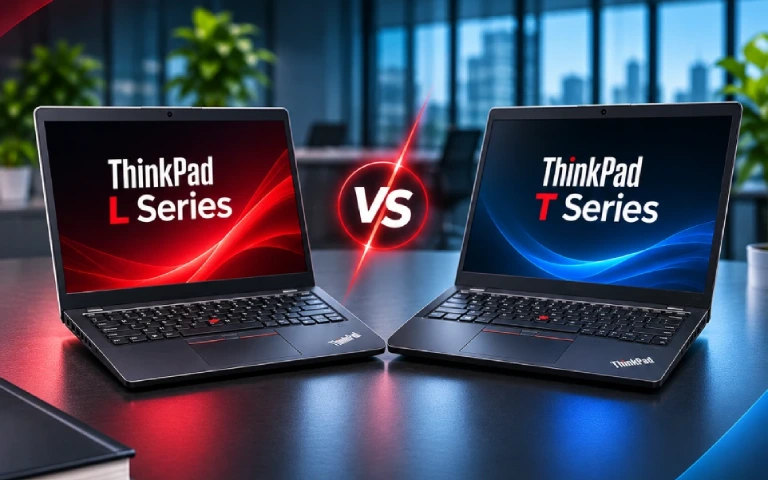
Not necessarily. The L Series focuses on practical business value, while the T Series occupies a more premium mainstream business position. The right choice depends on employee requirements, configuration and budget.
Yes, for many general software development tasks, including web development, Python and Java programming. Developers working with virtual machines, large builds or resource-intensive applications should consider higher memory and processor configurations.
Conclusion
Should Your Business Choose ThinkPad L Series?
The Lenovo ThinkPad L Series is a suitable option for businesses that need practical laptops for everyday professional workloads without necessarily investing in premium enterprise models.
It can support office productivity, email, video conferencing, business applications, remote working and general multitasking when configured appropriately.
For smaller businesses, the range offers flexibility in choosing laptops according to employee roles and budgets. Corporate teams can also consider different models to meet their employees’ screen-size and portability requirements.
Before purchasing, compare the processor, RAM, SSD capacity, operating system, connectivity, warranty and security features of the exact configuration.
Explore the Lenovo ThinkPad L Series laptops at OMA Computers to compare available models and configurations for your business.
Contact Us, OMA Computers- One of the top Dubai laptop dealers