









Frequently Asked Questions About Lenovo ThinkPad X Series

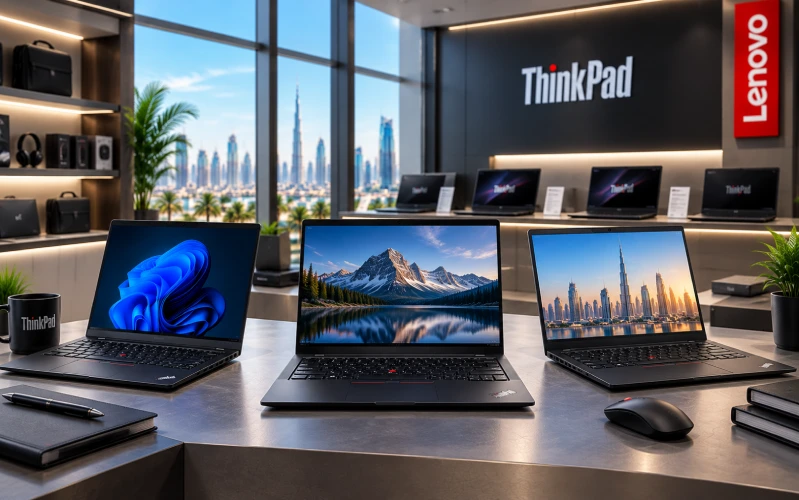
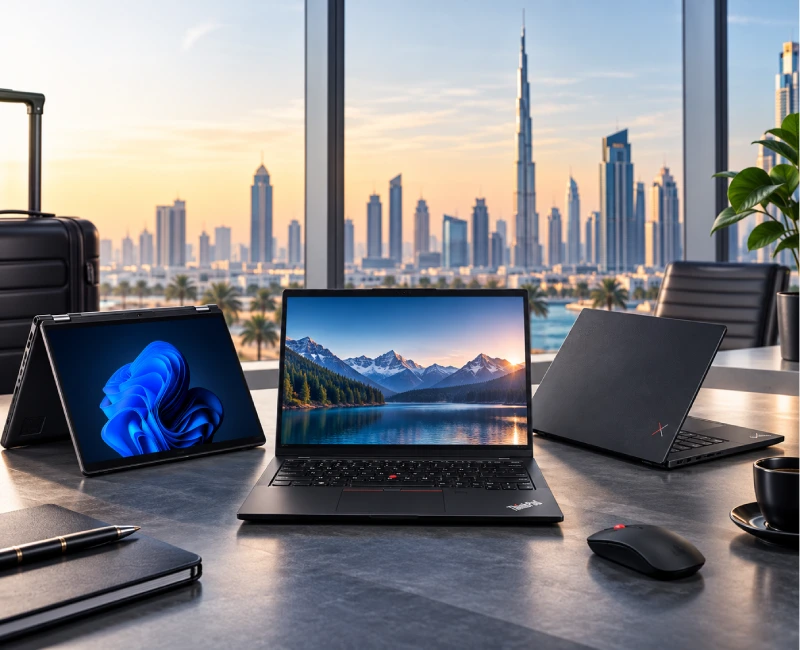
Lenovo ThinkPad X Series Laptop FAQs
When professionals in Dubai need a business laptop that is powerful enough for everyday work but portable enough to carry between meetings, offices, airports and home, the Lenovo ThinkPad X Series is a compelling option. The X Series is positioned around premium business mobility, combining compact designs with professional performance, security features and productivity-focused functionality.
Unlike a single laptop model, the ThinkPad X Series includes several models and generations designed for different professional requirements. Depending on availability and configuration, buyers may encounter products such as the ThinkPad X1 Carbon, ThinkPad X1 2-in-1 and ThinkPad X13, among others.
If you are looking for a Lenovo ThinkPad X Series laptop in Dubai, explore the current Lenovo ThinkPad X Series range at OMA Computers.
Here are answers to frequently asked questions about Lenovo ThinkPad X Series laptops in Dubai and the UAE.
Understanding the Lenovo ThinkPad X Series
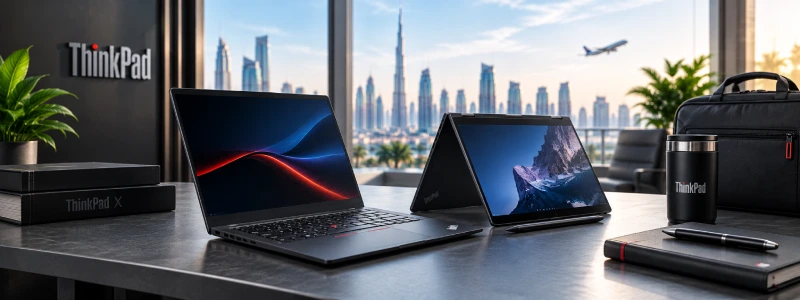
The Lenovo ThinkPad X Series is a family of premium business laptops designed with a strong emphasis on portability, professional productivity, performance and security.
ThinkPad X Series laptops are particularly relevant to people who need to work from multiple locations without carrying a bulky computer.
Typical users include:
- Business executives
- Consultants
- Managers
- Entrepreneurs
- Sales professionals
- Frequent business travelers
- Remote workers
- Hybrid employees
- Programmers
- Researchers
- Professionals who attend frequent meetings
The X Series occupies a premium position within the ThinkPad family. While the E Series generally emphasizes value and the T Series provides a broad balance of premium business features and versatility, the X Series places particularly strong emphasis on mobility and premium ultraportable computing.
A ThinkPad X Series laptop is particularly suitable for someone who wants a professional Windows laptop that is easy to carry.
It can be a strong choice for:
- Executives traveling between meetings
- Consultants visiting clients
- Sales professionals working on the road
- Hybrid workers moving between home and office
- Business owners who travel frequently
- Developers who want a portable development machine
- Professionals who prioritize a compact laptop
If your priority is a large screen for spreadsheets, for example, a ThinkPad T16 may be more appropriate. If budget is the primary concern, an E Series model may provide better value.
What ThinkPad X Series Models Are Available?
The ThinkPad X Series encompasses multiple models, generations and configurations, so availability changes over time.
Depending on the current product range, buyers may encounter models such as:
- ThinkPad X1 Carbon
- ThinkPad X1 2-in-1
- ThinkPad X13
- Other X Series configurations and generations
The exact specifications can differ significantly between generations.
For this reason, it is better to use the OMA Computers ThinkPad X Series category to check currently available models rather than assuming that every X Series laptop has identical specifications.
ThinkPad X Series Specifications & Performance
ThinkPad X Series specifications vary according to the exact model and generation.
Depending on the configuration, specifications can include:
16GB RAM
- Microsoft Office
- Web browsing
- Teams
- CRM
- Business applications
- General programming
- Everyday multitasking
32GB RAM
- Software developers
- Data analysts
- Large spreadsheets
- Virtual machines
- Docker
- Multiple development environments
- Heavy multitasking
64GB RAM
Useful where supported and available for particularly demanding professional workloads.
However, not every ThinkPad X Series model supports the same memory configuration or upgradeability. Some ultraportable designs use memory that is integrated into the system board.
Therefore, check the exact model before purchasing if future RAM upgrades are important to you.
Is ThinkPad X Series good for programming?
Yes.
A suitably configured ThinkPad X Series laptop can be an excellent portable development computer.
It can handle common programming environments involving:
- Python
- Java
- C
- C++
- JavaScript
- TypeScript
- PHP
- SQL
- HTML/CSS
- VS Code
- Visual Studio
- JetBrains IDEs
- Git
- Docker
For developers, 16GB RAM is a practical minimum for a new professional system, while 32GB provides considerably more headroom for containers, virtual machines, large projects and simultaneous applications.
The X Series is particularly attractive to developers who value portability. However, developers working with GPU-intensive AI, 3D rendering or demanding workstation applications may need a laptop with a dedicated high-performance GPU.
ThinkPad X1 Carbon
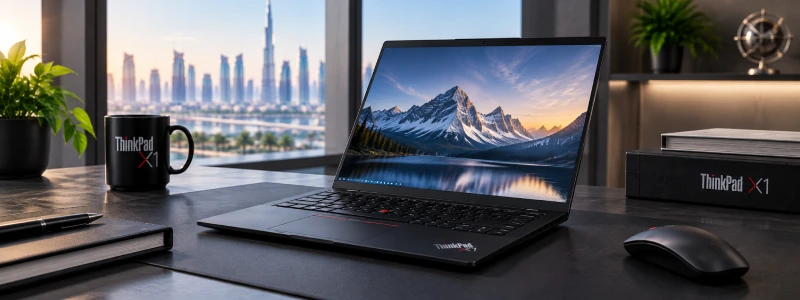
The ThinkPad X1 Carbon is one of Lenovo's best-known premium business laptops.
It is designed around the idea of providing a capable professional computer without making portability an afterthought.
Its appeal typically comes from the combination of:
- Lightweight design
- 14-inch-class portability
- Professional appearance
- ThinkPad keyboard experience
- Business-oriented features
- Modern processors
- Premium display options on selected configurations
- Strong connectivity
Specifications vary by generation, so buyers should always check the exact X1 Carbon model.
Yes, particularly if portability is a high priority.
An X1 Carbon makes sense for professionals who regularly carry their laptop between:
- Office
- Home
- Client locations
- Hotels
- Airports
- Business meetings
- Coworking spaces
It may not be the best choice for someone who wants the largest screen possible or maximum workstation performance.
For those requirements, a T16 or workstation-class ThinkPad may be more suitable.
Yes.
An X1 Carbon with 16GB or 32GB RAM and a modern processor can handle most mainstream programming workflows.
It is particularly attractive to developers who frequently work away from a fixed desk.
A typical workload might include:
VS Code + Git + Chrome + terminal windows + local development server + Teams + documentation
For demanding virtual machines, large databases or GPU-intensive workloads, however, buyers should consider a more powerful or expandable system.
ThinkPad X1 2-in-1 and Convertible Models
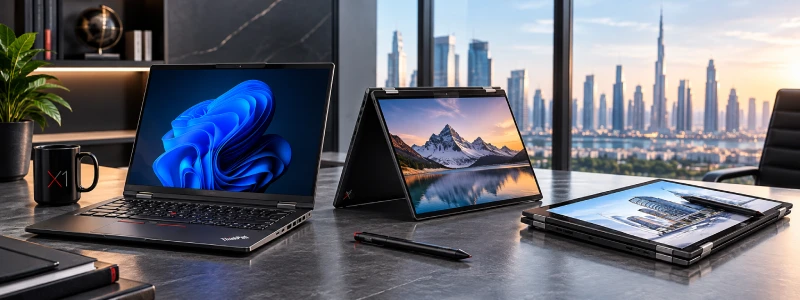
A ThinkPad X1 2-in-1 combines the functionality of a conventional laptop with the flexibility of a convertible touchscreen device.
Depending on the configuration, it can be used in different positions for:
- Traditional laptop work
- Presentations
- Touch interaction
- Note-taking
- Tablet-style use
- Viewing documents
- Collaborative meetings
This makes a 2-in-1 particularly interesting for professionals who frequently move between typing, presenting and interacting directly with the screen.
A ThinkPad X1 2-in-1 can be particularly useful for:
- Executives
- Consultants
- Sales professionals
- Presenters
- Educators
- Students
- Professionals who take handwritten notes
- People who regularly present information to clients
For someone whose primary activity is conventional keyboard-based office work, a traditional ThinkPad X Series laptop may be the simpler choice.
Not necessarily.
Choose a traditional ThinkPad X Series laptop if:
- You primarily type
- You prefer a conventional laptop design
- You don't need tablet functionality
- Portability is important
Choose a ThinkPad 2-in-1 if:
- You want a touchscreen
- You present frequently
- You like tablet-style interaction
- You take handwritten notes
- You want greater flexibility in how you position the screen
The "better" choice depends on how you actually intend to use the laptop.
ThinkPad X Series for Business
Is Lenovo ThinkPad X Series good for business use?
Yes.
Business productivity is one of the strongest use cases for the X Series.
A properly configured X Series laptop can handle:
- Microsoft Word
- Excel
- PowerPoint
- Outlook
- Microsoft Teams
- CRM software
- ERP applications
- Accounting software
- Cloud applications
- Video conferencing
- Web applications
- Remote desktop environments
The compact form factor can also be advantageous for professionals who move between different workplaces.
Yes. The X Series is particularly well suited to executive use.
Executives often need a laptop that can move easily from the boardroom to a client meeting, hotel room or airport lounge.
A premium X Series configuration can provide:
- Portable professional computing
- Strong productivity
- Business security
- Video conferencing
- Presentation capabilities
- A professional design
- Convenient connectivity
For executives who prioritize mobility, an X Series laptop can therefore be a better fit than a larger business laptop.
Yes.
An X Series laptop can support typical remote-working requirements such as:
- Microsoft Teams
- Zoom
- Microsoft 365
- Google Workspace
- Cloud storage
- VPN
- Remote desktop
- Browser-based applications
- CRM systems
The smaller form factor also makes it easy to move between a home office, coworking space and other locations.
ThinkPad X Series for Travel
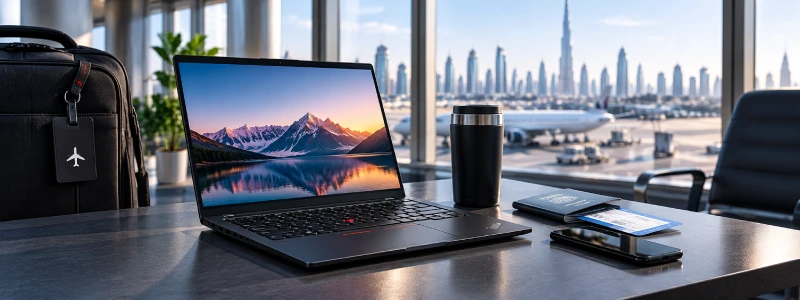
Yes. Frequent travel is one of the strongest reasons to consider a ThinkPad X Series laptop.
For a business traveler, every kilogram and every centimeter can matter.
A compact X Series laptop can provide a full professional Windows environment while remaining convenient to carry in a business bag.
It is particularly suitable for:
- Consultants
- Executives
- Sales representatives
- Business owners
- Frequent flyers
- Remote professionals
- Field employees
For buyers prioritizing portability, the X Series—particularly lightweight models such as the X1 Carbon—is worth considering.
The T14s is another strong option for users who want premium portability but prefer the T Series family.
The final choice should be based on the exact weight, battery, display and performance specifications of the models being compared.
ThinkPad X Series vs Other ThinkPads
ThinkPad X Series vs T Series: Which is better?
Both are premium business-oriented ThinkPad families, but they emphasize slightly different priorities.
| Feature | ThinkPad X Series | ThinkPad T Series |
|---|---|---|
| Primary focus | Premium mobility | Business versatility |
| Portability | Excellent | Excellent |
| Performance | Strong | Strong |
| Travel | Excellent | Very good |
| Screen options | Model dependent | Model dependent |
| Best for | Mobile professionals | Broad professional use |
| Priority | Mobility | Balance |
Choose X Series when: portability and premium mobile computing are priorities.
Choose T Series when: you want a broader balance of performance, connectivity, versatility and value.
For a deeper look at the T Series, readers can also explore our ThinkPad T Series FAQ article.
ThinkPad X Series vs E Series: Which should you buy?
The simplest distinction is:
E Series = value-oriented business ThinkPad
X Series = premium ultraportable business ThinkPad
| ThinkPad E Series | ThinkPad X Series | |
|---|---|---|
| Positioning | Mainstream business | Premium business |
| Portability | Very good | Excellent |
| Premium design | Moderate | Strong |
| Business features | Strong | Premium |
| Price positioning | Lower | Higher |
| Ideal buyer | Value-focused professional | Mobile professional/executive |
If budget is the dominant factor, an E14 can be attractive.
If portability and premium business design matter more, the X Series deserves consideration.
ThinkPad X Series vs Competitors
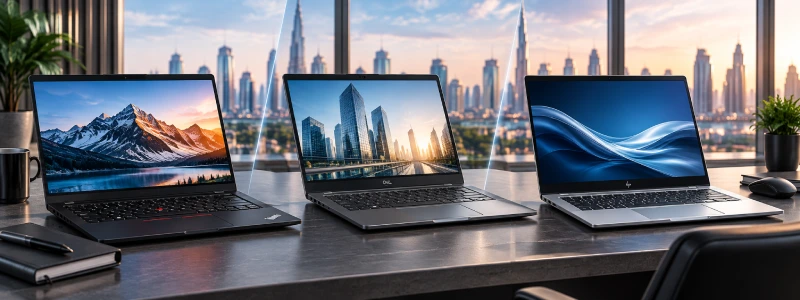
Both ThinkPad X1 Carbon and Dell Latitude laptops can be strong choices for professional users.
Rather than declaring a universal winner, compare the exact models based on:
- Processor
- RAM
- SSD
- Weight
- Display
- Battery
- Keyboard
- Security
- Connectivity
- Warranty
- Price
The X1 Carbon can appeal particularly to users who prioritize lightweight mobility and the ThinkPad experience.
A Latitude may be preferable when a particular Dell configuration provides better specifications, pricing or enterprise features.
ThinkPad X1 Carbon [[link to category/tag page]] and HP EliteBook [[link to product/category page]] models both occupy the professional business-laptop segment.
Consider:
- Portability
- Processor
- RAM
- Storage
- Display
- Keyboard
- Security
- Battery
- Connectivity
- Warranty
- Price
The correct choice is ultimately the configuration that best matches your requirements and budget.
Battery Life & Mobility
How long does a ThinkPad X Series battery last?
Yes.
Business productivity is one of the strongest use cases for the X Series.
A properly configured X Series laptop can handle:
- Processor
- Battery capacity
- Display
- OLED vs LCD
- Screen brightness
- Wi-Fi activity
- Applications
- Video conferencing
- Power-management settings
- Battery condition
A laptop performing light document work will generally consume less power than one running continuous video calls, compiling software or operating at maximum screen brightness.
When comparing models, look at Lenovo’s published battery specifications for the specific generation and configuration.
It can be, depending on the configuration and workload.
For activities such as:
- Word processing
- Web browsing
- Documents
- Presentations
- Light meetings
a suitable X Series configuration can provide a strong mobile-work experience.
Heavy workloads such as video editing, sustained compilation, intensive multitasking and high-brightness OLED use can reduce battery runtime considerably.
Therefore, "all-day battery" should always be interpreted in the context of the workload.
Security & Reliability
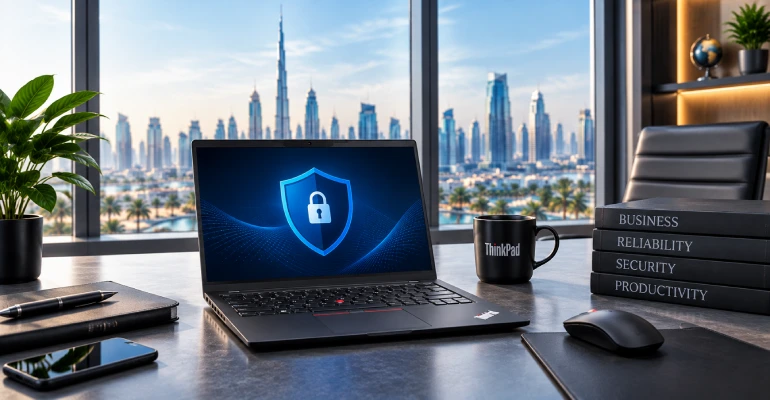
ThinkPad X Series laptops can include a variety of business-oriented security technologies.
Depending on the model and configuration, features may include:
- TPM
- Fingerprint reader
- Windows Hello
- IR camera
- Camera privacy shutter
- BIOS security
- Enterprise management capabilities
Not every feature is available on every X Series model, so buyers should verify the specifications of the exact laptop they intend to purchase.
The ThinkPad X Series is designed as a professional business-laptop family, but no laptop should be assumed to have a guaranteed lifespan.
Actual longevity depends on:
- Workload
- Frequency of use
- Maintenance
- Battery health
- Operating environment
- Physical handling
- Configuration
For business buyers, it is therefore important to evaluate warranty and support coverage alongside hardware specifications.
Multitasking & Professional Workloads
Yes, with an appropriately configured model.
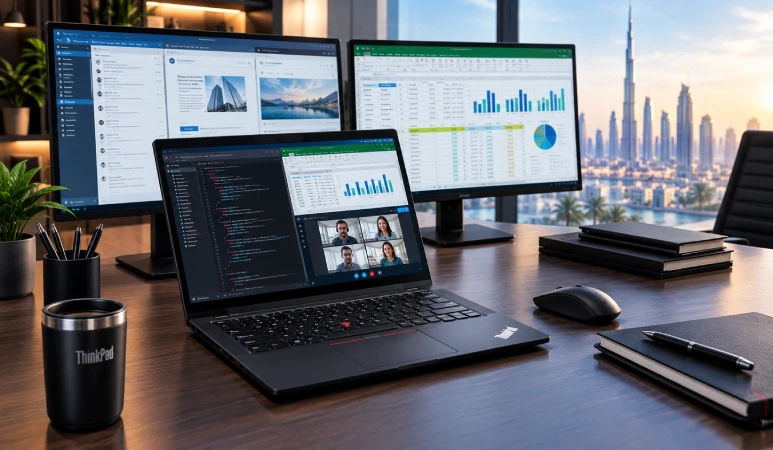
For example, a 16GB or 32GB X Series laptop can be used for a workload involving:
Chrome + Outlook + Teams + Excel + PowerPoint + PDFs + CRM + Slack
For developers and power users, 32GB RAM provides additional headroom for:
- Docker
- Virtual machines
- Large IDEs
- Databases
- Development servers
- Multiple applications
However, the X Series is primarily designed around premium portable computing rather than replacing a high-end desktop workstation.
Yes.
ThinkPad X Series laptops are well suited to Microsoft 365 workloads, including:
- Word
- Excel
- PowerPoint
- Outlook
- Teams
- OneDrive
For most business users, 16GB RAM and a modern processor provide a strong foundation for these applications.
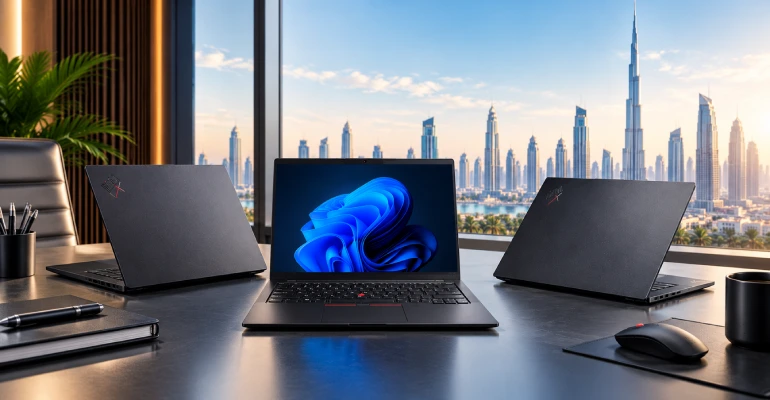
Many ThinkPad X Series models can connect to external displays through their available ports or compatible docking solutions.
However, the number, resolution and refresh rate of supported external monitors depend on the exact model and configuration.
If you are building a multi-monitor office setup, verify the laptop's display-output specifications before purchasing the docking hardware.
Buying & Pricing in Dubai
UAE buyers can compare current Lenovo ThinkPad X Series models through local computer retailers.
OMA Computers maintains a dedicated Lenovo ThinkPad X Series category where buyers can check currently available models and configurations.
Before purchasing, verify:
- Exact Lenovo SKU
- Processor
- RAM
- SSD
- Display
- Operating system
- Keyboard layout
- Warranty
- Availability
There is no single price for the ThinkPad X Series.
The cost depends on:
- Model
- Generation
- Processor
- RAM
- SSD
- Display
- Touchscreen
- Operating system
- Warranty
- Stock availability
A premium X1 Carbon configuration, for example, should not be compared directly with an entry-level X Series configuration simply because both carry an X Series name.
For current pricing, buyers should check the specific models available through OMA Computers.
The X1 Carbon generally occupies the premium end of the ThinkPad range because its design places significant emphasis on portability and premium business functionality.
Whether it represents good value depends on what you need.
If you rarely travel and don't care about weight, a less expensive ThinkPad T or E Series model may provide better value.
If you carry your laptop every day and place a high value on a lightweight professional system, the premium may be easier to justify.
Is ThinkPad X Series Worth Buying in 2026?
Yes, especially for professionals who prioritize portability and premium business productivity.
When buying a new ThinkPad X Series laptop in 2026, consider looking for:
- A modern processor
- 16GB RAM or more
- 512GB SSD or greater
- A display appropriate for your work
- Windows 11 Pro where required
- Suitable battery capacity
- Appropriate warranty coverage
For developers, analysts and heavy multitaskers, 32GB RAM can be a worthwhile upgrade where available.
The key question is not simply whether the X Series is worth buying. It is whether its emphasis on premium mobility matches your needs.
Which ThinkPad X Series Should You Buy in 2026?
The decision becomes easier when you start with your primary use case.
| Your requirement | Recommended direction |
|---|---|
| Premium business laptop | ThinkPad X Series |
| Frequent business travel | X1 Carbon / lightweight X Series |
| Executive use | X1 Carbon / premium X Series |
| Programming | X Series with 16GB–32GB RAM |
| Touchscreen + tablet functionality | X1 2-in-1 |
| General business | X Series or T14 |
| Larger screen | T16 |
| Maximum value | E14 |
| Premium portability | ThinkPad X Series |
Why Buy a Lenovo ThinkPad X Series From OMA Computers?
Choosing the right laptop is only part of the purchasing decision. Buyers should also consider where they are purchasing the computer and whether the retailer provides clear product information and appropriate purchasing support.
OMA Computers maintains a dedicated Lenovo ThinkPad X Series category, giving UAE buyers a place to explore available X Series models and configurations.
You can browse Lenovo ThinkPad X Series laptops at OMA Computers and compare the available specifications according to your requirements.
Final Verdict: Is Lenovo ThinkPad X Series a Good Choice for Dubai Buyers?
Yes. Lenovo ThinkPad X Series laptops are particularly well suited to professionals in Dubai who want premium business computing in a highly portable format.
The X Series is worth considering if your priorities include:
- Portability
- Frequent travel
- Executive use
- Professional productivity
- Premium design
- Business security
- Modern performance
- Flexible mobile working
The X1 Carbon is particularly compelling for buyers who prioritize lightweight traditional laptop mobility, while an X1 2-in-1 may be better for users who want touchscreen and convertible functionality.
If you need a larger screen and broader productivity workspace, the ThinkPad T16 may be more appropriate. If you want a balanced premium business laptop, the T14 is another strong alternative. And if price is the overriding concern, the ThinkPad E14 can offer a more value-oriented entry into the ThinkPad family.
Ultimately, the best ThinkPad is the one whose processor, RAM, storage, display, battery, portability and price match your actual workload.
Explore Lenovo ThinkPad X Series laptops at OMA Computers →
If you're also evaluating where to purchase your laptop in Dubai, read Why OMA Computers Is One of the Best Places to Buy Laptops in Dubai for additional guidance on choosing a laptop retailer.
Explore Other ThinkPad Series Laptops:
- https://omacomputers.com/product-category/business-laptop/lenovo-laptops/lenovo-thinkpad/thinkpad-l-series/
- https://omacomputers.com/product-category/lenovo/lenovo-premium-series/thinkpad-t-series/
- https://omacomputers.com/product-category/business-laptop/lenovo-laptops/lenovo-thinkpad/thinkpad-edge-series/thinkpad-e14/
- https://omacomputers.com/product-category/business-laptop/lenovo-laptops/lenovo-thinkpad/
Contact Us, OMA Computers- One of the top Dubai laptop dealers