







Frequently Asked Questions Regarding Lenovo ThinkPad E14 Laptops in Dubai, UAE

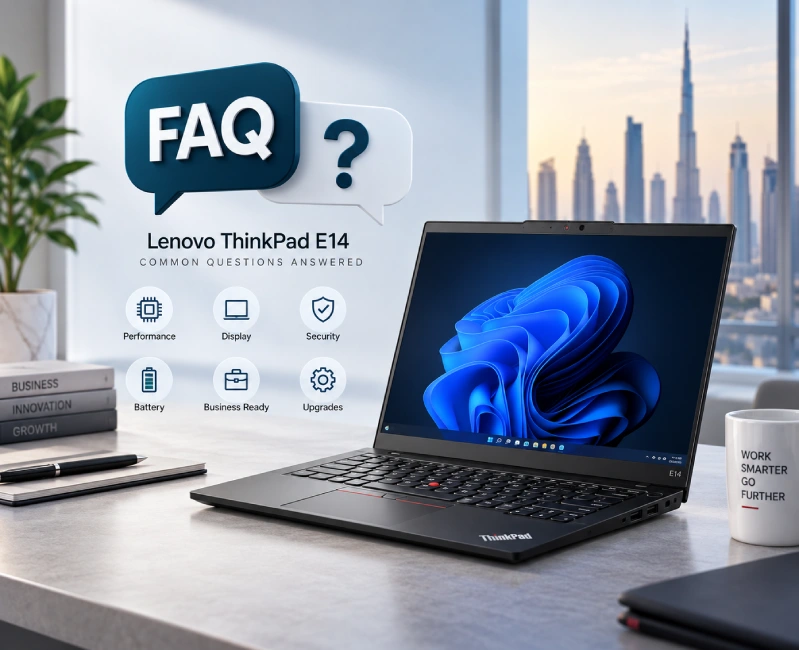
Lenovo ThinkPad E14 Laptop FAQs
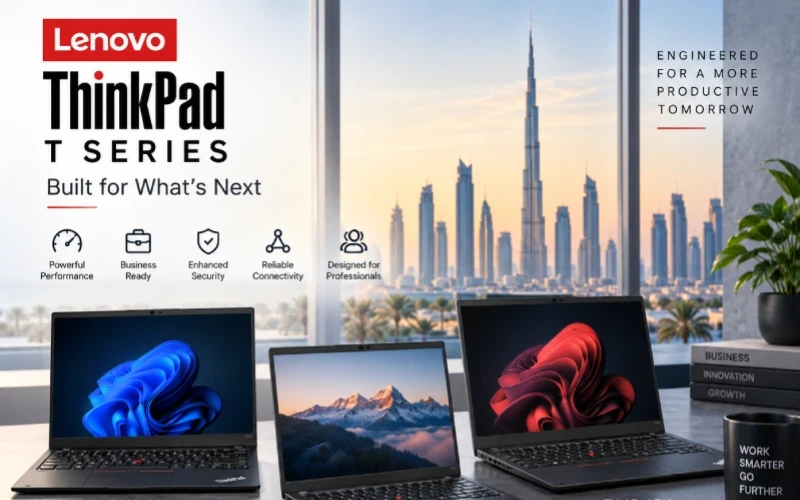
For professionals, business owners, students, developers, and remote workers in Dubai, choosing the right business laptop often comes down to finding the right balance between performance, portability, durability, security, and price. The Lenovo ThinkPad E14 is designed around precisely this balance, offering a compact 14-inch business laptop platform with modern processors, upgradeable memory, fast NVMe storage, business-oriented security features, and a practical selection of ports.
The ThinkPad E14 Gen 6 is available in multiple configurations, so specifications, battery capacity, display options, operating system, and other features can differ between individual models. Lenovo’s specifications for the Intel version include Core Ultra processor options, two DDR5 SODIMM memory slots, support for up to 64GB of RAM, and two M.2 SSD slots.
If you are looking to compare available models and configurations, you can browse the Lenovo ThinkPad E14 laptops available from OMA Computers.
Below are answers to some of the most common questions buyers in Dubai and across the UAE may have about Lenovo ThinkPad E14 laptops.
Specs & Performance
There is no single specification for every ThinkPad E14 Gen 6 because Lenovo produces the series in multiple configurations.
Depending on the model, the Intel ThinkPad E14 Gen 6 can feature Intel Core Ultra 5 or Core Ultra 7 processors, integrated Intel graphics, DDR5 memory, PCIe NVMe SSD storage, and a 14-inch WUXGA display. Lenovo also offers different camera, battery, operating-system, and display configurations.
Typical specifications to check when comparing E14 models include:
- Processor: Intel Core Ultra 5 or Core Ultra 7 on applicable Intel configurations
- Memory: DDR5 SODIMM
- Maximum supported memory: Up to 64GB on the Intel platform
- Storage: PCIe NVMe M.2 SSD
- Storage expansion: Up to two M.2 SSDs on supported configurations
- Display: 14-inch WUXGA options
- Graphics: Integrated Intel Graphics or Intel Arc Graphics on eligible configurations
- Connectivity: USB-A, USB-C, HDMI and Ethernet, with Thunderbolt 4 available on applicable Intel configurations
- Security: TPM 2.0, optional fingerprint reader, privacy shutter and other ThinkShield-related features depending on configuration
- Battery: 47Wh or 57Wh options on the Intel platform
The exact specifications should always be checked against the individual SKU before purchase.
The Intel ThinkPad E14 Gen 6 supports up to 64GB of DDR5-5600 memory and has two DDR5 SODIMM slots capable of dual-channel operation. Lenovo notes that the 64GB figure represents the platform's technical memory capability and is not necessarily a standard factory-shipped configuration.
This upgradeability is one of the E14's useful advantages for business users.
For example:
- 8GB: Suitable for basic office and web tasks, although less ideal for long-term business use.
- 16GB: A strong choice for most professionals.
- 32GB: Recommended for developers, analysts and heavy multitaskers.
- 64GB: Useful for particularly demanding workloads, virtual machines and large development environments.
If you are buying an E14 in 2026, 16GB should generally be considered a sensible starting point, while 32GB makes more sense for users who regularly run demanding applications simultaneously.
Yes. The ThinkPad E14 Gen 6 can be an excellent programming laptop when configured appropriately.
Its combination of modern processors, upgradeable DDR5 memory and NVMe SSD storage makes it suitable for many software-development workloads.
A developer could comfortably use it for:
- Python
- Java
- C and C++
- JavaScript and TypeScript
- Web development
- SQL and database development
- VS Code
- JetBrains IDEs
- Git and GitHub workflows
- Docker-based development
- Local development servers
- Multiple browser tabs and documentation
For programming, RAM capacity is particularly important. A 16GB configuration is suitable for many developers, while 32GB is preferable if you routinely use Docker containers, virtual machines, large IDE projects, databases or several development tools simultaneously.
For highly demanding 3D development, GPU computing or professional workstation workloads, however, a dedicated workstation-class laptop may be a better choice.
What are the specifications of Lenovo ThinkPad E14 Gen 6?
There is no single specification for every ThinkPad E14 Gen 6 because Lenovo produces the series in multiple configurations.
Depending on the model, the Intel ThinkPad E14 Gen 6 can feature Intel Core Ultra 5 or Core Ultra 7 processors, integrated Intel graphics, DDR5 memory, PCIe NVMe SSD storage, and a 14-inch WUXGA display. Lenovo also offers different camera, battery, operating-system, and display configurations.
Typical specifications to check when comparing E14 models include:
- Processor: Intel Core Ultra 5 or Core Ultra 7 on applicable Intel configurations
- Memory: DDR5 SODIMM
- High-speed NVMe SSD storage for faster boot and application loading
- Windows 11 Pro for enhanced business productivity and security
- Trusted Dell quality with enterprise-focused engineering
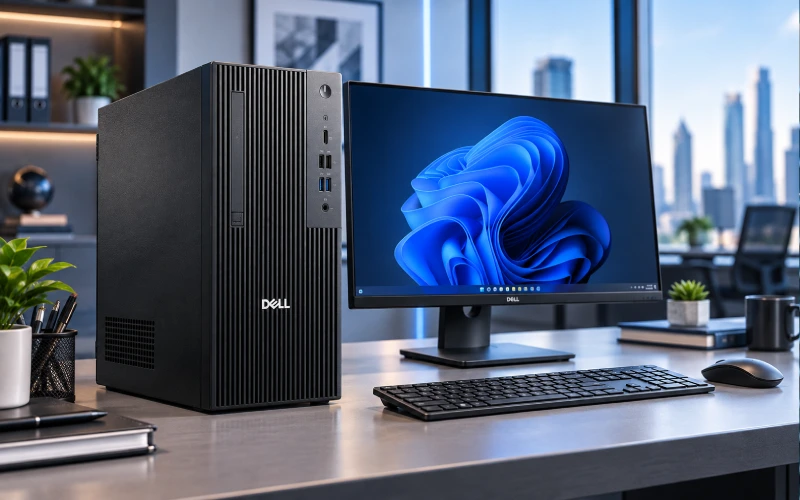
- Expandable tower design for future upgrades
- Business-grade security features including TPM 2.0
- Suitable for small businesses, medium enterprises, and corporate environments
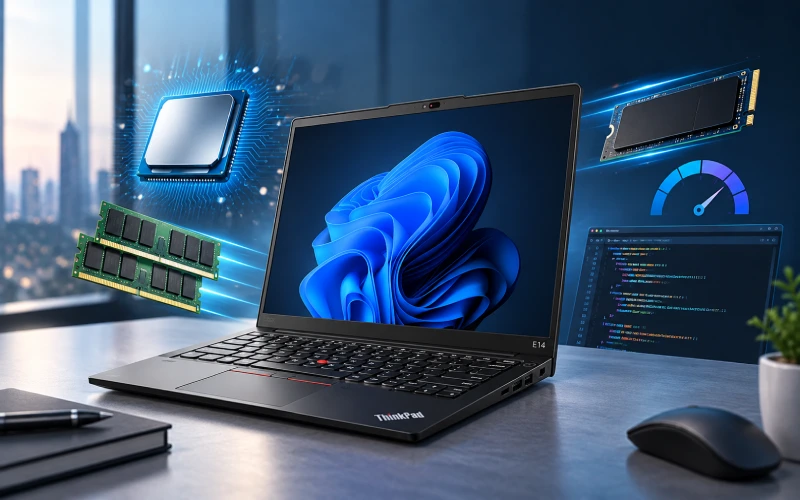
Specs & Performance
There is no single specification for every ThinkPad E14 Gen 6 because Lenovo produces the series in multiple configurations.
Depending on the model, the Intel ThinkPad E14 Gen 6 can feature Intel Core Ultra 5 or Core Ultra 7 processors, integrated Intel graphics, DDR5 memory, PCIe NVMe SSD storage, and a 14-inch WUXGA display. Lenovo also offers different camera, battery, operating-system, and display configurations.
Typical specifications to check when comparing E14 models include:
- Processor: Intel Core Ultra 5 or Core Ultra 7 on applicable Intel configurations
- Memory: DDR5 SODIMM
- Maximum supported memory: Up to 64GB on the Intel platform
- Storage: PCIe NVMe M.2 SSD
- Storage expansion: Up to two M.2 SSDs on supported configurations
- Display: 14-inch WUXGA options
- Graphics: Integrated Intel Graphics or Intel Arc Graphics on eligible configurations
- Connectivity: USB-A, USB-C, HDMI and Ethernet, with Thunderbolt 4 available on applicable Intel configurations
- Security: TPM 2.0, optional fingerprint reader, privacy shutter and other ThinkShield-related features depending on configuration
- Battery: 47Wh or 57Wh options on the Intel platform
The exact specifications should always be checked against the individual SKU before purchase.
The Intel ThinkPad E14 Gen 6 supports up to 64GB of DDR5-5600 memory and has two DDR5 SODIMM slots capable of dual-channel operation. Lenovo notes that the 64GB figure represents the platform's technical memory capability and is not necessarily a standard factory-shipped configuration.
This upgradeability is one of the E14's useful advantages for business users.
For example:
- 8GB: Suitable for basic office and web tasks, although less ideal for long-term business use.
- 16GB: A strong choice for most professionals.
- 32GB: Recommended for developers, analysts and heavy multitaskers.
- 64GB: Useful for particularly demanding workloads, virtual machines and large development environments.
If you are buying an E14 in 2026, 16GB should generally be considered a sensible starting point, while 32GB makes more sense for users who regularly run demanding applications simultaneously.
Yes. The ThinkPad E14 Gen 6 can be an excellent programming laptop when configured appropriately.
Its combination of modern processors, upgradeable DDR5 memory and NVMe SSD storage makes it suitable for many software-development workloads.
A developer could comfortably use it for:
- Python
- Java
- C and C++
- JavaScript and TypeScript
- Web development
- SQL and database development
- VS Code
- JetBrains IDEs
- Git and GitHub workflows
- Docker-based development
- Local development servers
- Multiple browser tabs and documentation
For programming, RAM capacity is particularly important. A 16GB configuration is suitable for many developers, while 32GB is preferable if you routinely use Docker containers, virtual machines, large IDE projects, databases or several development tools simultaneously.
For highly demanding 3D development, GPU computing or professional workstation workloads, however, a dedicated workstation-class laptop may be a better choice.
Buying & Pricing
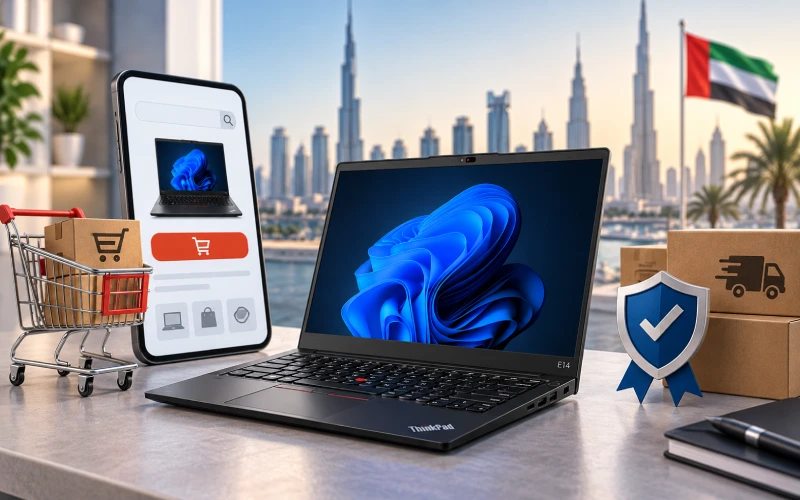
Buyers in Dubai and elsewhere in the UAE can compare available configurations through reputable local computer retailers and authorized channels.
OMA Computers offers a dedicated Lenovo ThinkPad E14 category where shoppers can check available E14 models.
When buying a business laptop online in the UAE, don't look only at the headline model name. Check the exact processor, RAM, SSD, display, operating system, keyboard layout, warranty and included accessories before placing an order.
The Intel ThinkPad E14 Gen 6 supports up to 64GB of DDR5-5600 memory and has two DDR5 SODIM
There isn't one fixed price for the Lenovo ThinkPad E14 Gen 6.
The UAE price can vary depending on:
- Intel Core Ultra processor
- RAM capacity
- SSD capacity
- Display configuration
- Touchscreen availability
- Windows edition
- Keyboard layout
- Warranty
- Seller
- Current stock and promotions
For that reason, it is more useful to compare specific E14 configurations rather than searching for one generic "ThinkPad E14 price."
A model with 32GB RAM and a larger SSD, for example, should naturally be evaluated differently from an entry-level 8GB/256GB configuration.
For current models and pricing, see the Lenovo ThinkPad E14 range at OMA Computers. We have excellent collection of Lenovo ThinkPad laptop series as well as other popular brands and series. We are one of the leading computer stores in Dubai, UAE.
M slots capable of dual-channel operation. Lenovo notes that the 64GB figure represents the platform's technical memory capability and is not necessarily a standard factory-shipped configuration.
This upgradeability is one of the E14's useful advantages for business users.
For example:
- 8GB: Suitable for basic office and web tasks, although less ideal for long-term business use.
- 16GB: A strong choice for most professionals.
- 32GB: Recommended for developers, analysts and heavy multitaskers.
- 64GB: Useful for particularly demanding workloads, virtual machines and large development environments.
If you are buying an E14 in 2026, 16GB should generally be considered a sensible starting point, while 32GB makes more sense for users who regularly run demanding applications simultaneously.
Warranty coverage depends on the specific laptop configuration and seller.
Lenovo's published E14 specifications show that warranty terms can vary by model and market. For example, one documented E14 Gen 6 configuration lists a one-year courier or carry-in base warranty.
Therefore, UAE buyers should confirm:
- Warranty duration
- Whether the warranty is local or international
- What type of service is provided
- Where warranty service is performed
- Whether accidental damage is covered
- Whether upgrades affect warranty coverage
The safest approach is to verify warranty information against the exact SKU being purchased.
Comparisons & Alternatives
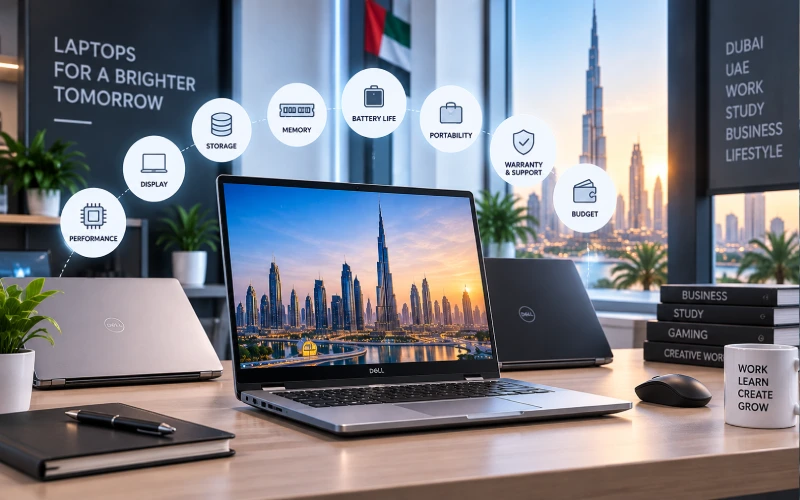
How does Lenovo ThinkPad E14 Gen 6 compare to Dell Latitude?
The ThinkPad E14 Gen 6 and Dell Latitude families are both aimed at professional and business users.
The better choice depends on the specific configurations and the buyer's priorities.
| Feature | ThinkPad E14 Gen 6 | Dell Latitude |
|---|---|---|
| Business productivity | Excellent | Excellent |
| Portability | Very good | Varies by model |
| Keyboard experience | ThinkPad design | Latitude design |
| Memory expansion | Strong on supported E14 configurations | Varies |
| Security | Business-focused | Business-focused |
| Connectivity | Strong | Varies |
| Configuration options | Broad | Broad |
| Best suited to | Professionals and SMB users | Professionals and enterprise users |
Need a specific configuration? OMA Computers can supply customized Dell Pro Tower Essential QVT1260 configurations with different processors, memory capacities, storage options, and operating system requirements for your business.
Both the ThinkPad E14 and HP ProBook are strong choices for mainstream business computing.
The ThinkPad E14 may be particularly attractive if you value:
- The traditional ThinkPad keyboard experience
- Business-oriented design
- Memory upgradeability
- Broad connectivity
- Professional productivity
- A compact 14-inch form factor
An HP ProBook [[link to category page]] may be the better purchase when a comparable configuration offers better specifications, warranty terms or pricing.
For example, comparing a 16GB/512GB E14 against an 8GB/256GB ProBook simply because both are marketed as "business laptops" would not be a meaningful comparison.
Compare configuration against configuration—not brand against brand.
Yes, the ThinkPad E14 Gen 6 remains worth considering in 2026, particularly when you choose a configuration appropriate for your workload.
For a new purchase, look for a configuration with:
- At least 16GB RAM
- 512GB SSD or greater
- A modern Core Ultra processor where applicable
- A display suited to your working environment
- Windows 11 Pro if your organization requires Pro-specific features
- Appropriate local warranty coverage
The E14 is especially compelling for users who need a practical business laptop rather than a gaming machine or mobile workstation.
It can handle everyday office productivity, communication, development, research, business applications and multitasking without requiring the cost or bulk of a high-end workstation.
Usage & Reliability
Yes. Business use is one of the ThinkPad E14's primary strengths.
It is well suited to professionals who spend much of their working day using applications such as:
- Microsoft Word
- Excel
- PowerPoint
- Outlook
- Microsoft Teams
- Web-based CRM platforms
- ERP systems
- Accounting software
- Project-management tools
- Cloud applications
- Video-conferencing platforms
The laptop also provides useful business connectivity, including Ethernet, HDMI and USB connectivity, while applicable Intel configurations include Thunderbolt 4. Lenovo specifies support for up to four independent displays on supported Intel configurations.
Security features can include TPM 2.0, fingerprint authentication, an IR camera for Windows Hello and a physical camera privacy shutter, depending on the configuration.
For a Dubai-based professional who moves between a home office, corporate office, meetings and client locations, a 14-inch ThinkPad can therefore provide a useful combination of mobility and productivity.
This question should not be associated with the E14 because, as noted earlier, 21QV000YGR is not an E14 Gen 6 SKU.
For the ThinkPad E14 Gen 6 Intel, Lenovo lists 47Wh and 57Wh battery options. Published testing for certain configurations reports up to approximately 11.8 hours in MobileMark 25 and up to approximately 20.24 hours of local video playback, although these are controlled laboratory results rather than guarantees of everyday battery life.
Actual battery life depends on factors such as:
- Processor
- Display
- Brightness
- Wi-Fi usage
- Applications running
- Power mode
- Video conferencing
- Battery age
- Ambient temperature
In other words, a user working continuously in Teams with high screen brightness should not expect the same battery life as a laptop playing locally stored video at controlled brightness.
For mobile professionals, the larger 57Wh battery configuration is worth considering when available.
Yes, provided you select an appropriate memory and processor configuration.
A 16GB model can comfortably handle a typical professional workload involving:
- Dozens of browser tabs
- Microsoft Outlook
- Word
- Excel
- Teams
- PDFs
- Cloud applications
- Music or other background applications
For heavier workloads, 32GB RAM is a better choice.
For example, a developer could potentially have:
Chrome + VS Code + Docker + database server + Teams + Slack + multiple terminals
running simultaneously without immediately running into the memory limitations associated with an entry-level 8GB configuration.
The ThinkPad E14 Gen 6 Intel's two SODIMM slots and support for up to 64GB DDR5-5600 provide additional flexibility for users who anticipate upgrading memory later.
For extremely demanding workloads involving professional 3D rendering, intensive GPU computing, large-scale AI workloads or workstation-class CAD, however, the E14 should not be confused with a dedicated mobile workstation.
For many professionals and businesses in Dubai, the Lenovo ThinkPad E14 is a sensible all-round business laptop.
Its biggest strengths are the combination of:
- A compact 14-inch form factor
- Modern processor options
- Upgradeable DDR5 memory
- Fast NVMe SSD storage
- Business-oriented security features
- Useful connectivity
- Strong multitasking potential
- Practical battery options
- A professional, understated design
The most important buying advice is simple: don't choose a ThinkPad E14 based only on the model name. Choose the right configuration for your workload.
For general office work, 16GB RAM and a 512GB SSD are a strong starting point. Developers, analysts and power users should consider 32GB RAM, while buyers with unusually demanding workloads should investigate higher-performance ThinkPad or workstation models.
And because Lenovo sells the E14 in multiple configurations, always verify the exact SKU, specifications, warranty and UAE pricing before purchasing.
Looking for a ThinkPad E14 in Dubai? Explore the current range at OMA Computers and compare the available configurations to find the one that best matches your business, programming or everyday computing requirements.
Explore Other ThinkPad Series Laptops:
Contact Us, OMA Computers- One of the top Dubai laptop dealers