







Frequently Asked Questions About Lenovo ThinkPad T Series Laptops in Dubai, UAE

Lenovo ThinkPad T Series Laptops FAQs
When professionals and businesses in Dubai need a laptop that can keep pace with demanding working days, portability is only part of the equation. A good business laptop also needs dependable performance, comfortable everyday usability, strong connectivity, appropriate security features, and enough flexibility to handle changing workloads.
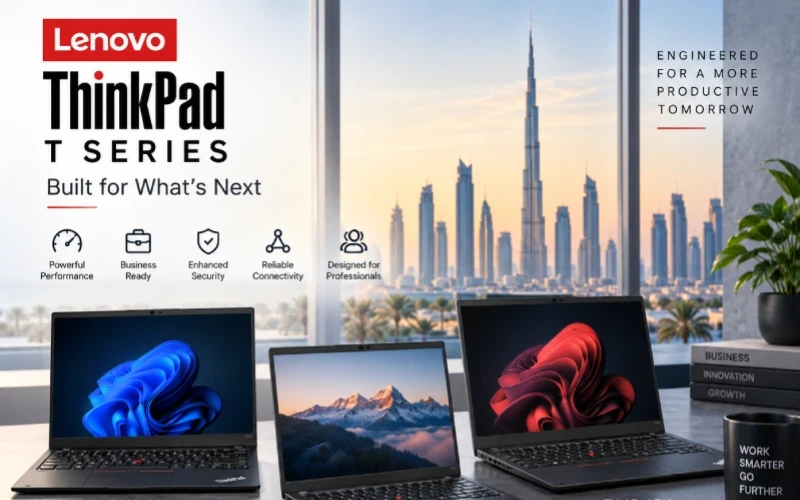
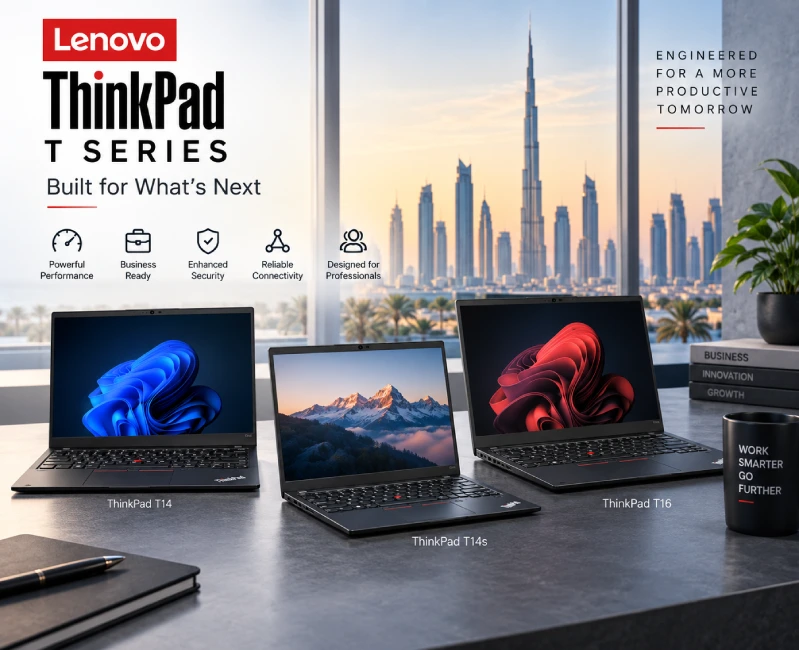
The Lenovo ThinkPad T Series is designed for this type of professional environment. Rather than being a single laptop model, the T Series includes different form factors and configurations, with the ThinkPad T14, ThinkPad T14s, and ThinkPad T16 representing some of the key choices available to buyers.
OMA Computers currently lists multiple T Series configurations, including T14, T14s and T16 models with processors such as Intel Core Ultra 5 and Core Ultra 7, along with configurations offering 8GB, 16GB or 32GB memory and 512GB or 1TB SSD storage.
If you're comparing business laptops in Dubai, you can explore the available Lenovo ThinkPad T Series laptops at OMA Computers.
Below are answers to some of the most frequently asked questions about Lenovo ThinkPad T Series laptops in Dubai and the UAE.
The Lenovo ThinkPad T Series is Lenovo's established family of business-oriented laptops designed for professional productivity, mobility, security and long-term everyday use.
ThinkPad T Series laptops are commonly considered by:
- Business professionals
- Corporate users
- Executives
- Consultants
- Accountants
- Programmers
- Managers
- Students and researchers
- Remote and hybrid workers
- Small and medium-sized businesses
- Enterprise IT departments
The major advantage of the T Series is that buyers can choose between different form factors instead of being restricted to one specification.
For example, the T14 provides a compact 14-inch format, the T14s focuses more heavily on slim portability, while the T16 provides a larger display for users who want more workspace.
The main ThinkPad T Series models relevant to current OMA Computers listings are:
ThinkPad T14
The T14 is the balanced option. Its 14-inch format provides enough screen space for professional work while remaining convenient to carry between an office, home and meetings.
ThinkPad T14s
The T14s is a slimmer, premium-oriented 14-inch option. It is particularly appealing to executives, consultants and frequent travelers who prioritize portability.
ThinkPad T16
The T16 is designed for users who prefer a larger screen. Its 16-inch format can be particularly useful for spreadsheets, dashboards, financial analysis, research and multitasking.
OMA's current T Series category contains six T14, six T14s and two T16 configurations.
Specs & Performance
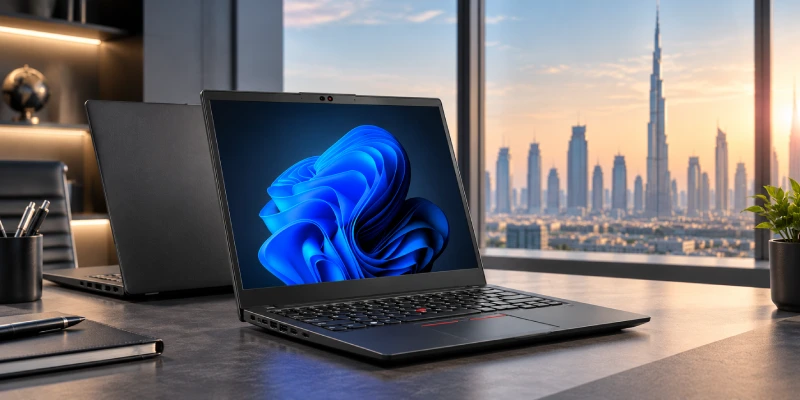
ThinkPad T14 specifications vary according to generation and individual SKU.
Current OMA Computers T14 listings include configurations with Intel Core Ultra 5 125U or Intel Core Ultra 7 155U processors, 8GB or 16GB DDR5 memory, and 512GB NVMe SSD storage. Some configurations include Windows 11 Pro, while others are listed without an operating system.
This means buyers should always check the exact configuration before ordering.
For example, an entry-level T14 with 8GB RAM should not be compared directly with a 16GB Core Ultra 7 configuration simply because both carry the "T14" name.
Key specifications to consider include:
- Processor generation and model
- RAM capacity
- SSD capacity
- Display type and resolution
- Operating system
- Graphics
- Connectivity
- Warranty
- Touchscreen availability
The answer depends on the specific configuration.
OMA's current T14 listings include both 8GB and 16GB DDR5 configurations.
For buyers choosing a ThinkPad T14 for 2026, a useful rule of thumb is:
- 8GB: Basic office, browsing and light productivity
- 16GB: Recommended for most professionals
- 32GB: Better for demanding multitasking and development workloads
The amount of RAM can have a major impact on how comfortably a laptop handles multiple applications simultaneously.
Yes. ThinkPad T14 is well suited to many programming and software-development workloads.
A suitably configured T14 can handle applications and workflows involving:
- Python
- Java
- C/C++
- JavaScript
- TypeScript
- Web development
- SQL
- Git
- Visual Studio Code
- Visual Studio
- IntelliJ IDEA
- Docker
- Local databases
- Multiple browser tabs
For programming, 16GB RAM is a sensible starting point, while 32GB can be preferable for developers who regularly use virtual machines, Docker containers, large IDE projects or multiple development environments.
For extremely demanding GPU development, 3D rendering or workstation workloads, a dedicated workstation-class ThinkPad may be more appropriate.
ThinkPad T14 vs T14s
What Is the Difference Between ThinkPad T14 and T14s?
Both are 14-inch ThinkPad business laptops, but they target slightly different priorities.
| Feature | ThinkPad T14 | ThinkPad T14s |
|---|---|---|
| Screen size | 14-inch class | 14-inch class |
| Positioning | Premium business | Slim premium business |
| Portability | Excellent | Excellent |
| Performance | Strong | Strong |
| Best for | General professionals | Executives and travelers |
| Configuration flexibility | Broad | Premium configurations |
| Ideal priority | Balance | Mobility |
OMA's current T14s selection includes 16GB and 32GB memory configurations, with both 512GB and 1TB SSD options. It also includes touchscreen and non-touchscreen models.
Not necessarily. The better model depends on how you work.
Choose ThinkPad T14 if you want:
- A balanced professional laptop
- Strong everyday performance
- A 14-inch screen
- A practical business machine
- Good value within the premium ThinkPad range
Choose ThinkPad T14s if you want:
- A slimmer premium design
- Greater emphasis on portability
- A laptop for frequent business travel
- Higher-end configurations
- A premium executive laptop
For someone who spends much of the working week moving between offices, meetings, airports and client locations, the T14s can be particularly attractive.
ThinkPad T16 Questions
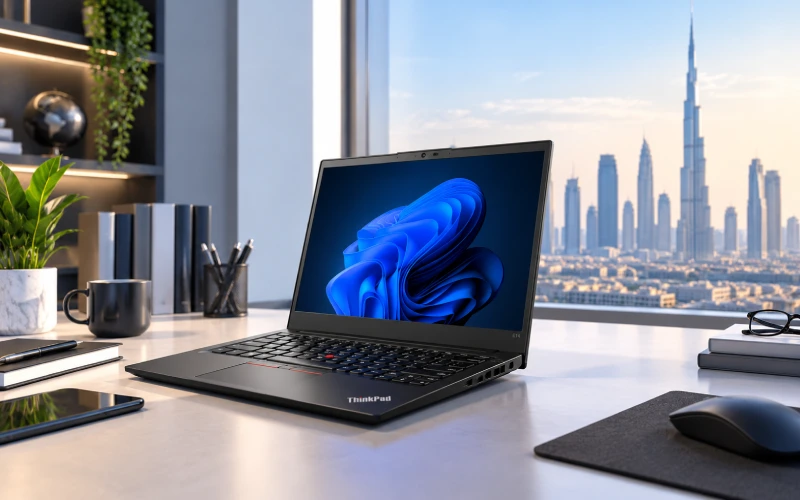
The ThinkPad T16 is the larger-screen member of the T Series.
Instead of prioritizing the smallest possible footprint, the T16 gives users more screen real estate for professional applications.
This makes it particularly interesting for:
- Accountants
- Financial analysts
- Business managers
- Data analysts
- Project managers
- Researchers
- Spreadsheet-heavy users
- Professionals who regularly work with multiple windows
OMA currently lists T16 configurations with Intel Core Ultra 7 155U, 16GB DDR5 memory and either 512GB or 1TB NVMe SSD storage, with Windows 11 Pro.
Neither model is universally better.
The choice comes down to portability versus workspace.
Choose T14 if:
- You travel frequently
- You work in compact spaces
- You want a smaller business laptop
- Portability is important
- You use an external monitor at your desk
Choose T16 if:
- You work extensively with spreadsheets
- You prefer a larger display
- You frequently use several windows simultaneously
- You analyze financial or business data
- You want more workspace without immediately connecting an external monitor
For office-based users who spend most of their day working with Excel, dashboards and documents, the T16 can be particularly appealing.
Yes.
The larger display makes it particularly useful for productivity-heavy business roles.
Examples include:
- Accounting
- Finance
- Business analysis
- Management
- Consulting
- Administration
- Project management
- Sales operations
- Data analysis
A larger screen can make it easier to view spreadsheets, reports, dashboards and side-by-side documents.
Buying & Pricing in Dubai, UAE
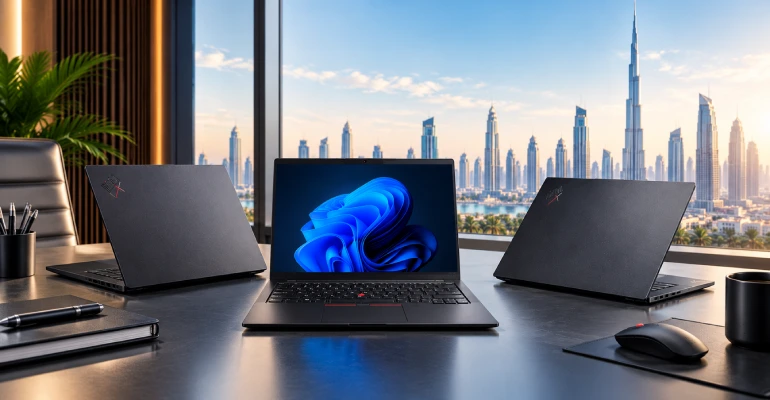
Buyers can compare available Lenovo ThinkPad T Series models through local UAE computer retailers.
OMA Computers maintains a dedicated Lenovo ThinkPad T Series category featuring T14, T14s and T16 configurations.
When shopping for a ThinkPad in Dubai, don't evaluate the laptop solely by its model name. Always check the complete specification and SKU.
There is no single ThinkPad T14 price because different configurations can vary considerably.
For example, current OMA listings show T14 configurations ranging from 8GB/512GB models without an operating system to 16GB/512GB Core Ultra 7 models with Windows 11 Pro.
The final price can depend on:
- Processor
- RAM
- SSD
- Windows license
- Display
- Touchscreen
- Warranty
- Exact SKU
- Stock availability
Therefore, comparing the specifications alongside the price provides a much more meaningful purchasing decision.
T14s models generally occupy a more premium position within the T Series, but the exact price still depends on configuration.
OMA's current listings include T14s models with:
- 16GB RAM + 512GB SSD
- 16GB RAM + 1TB SSD
- 32GB RAM + 512GB SSD
- 32GB RAM + 1TB SSD
- Touch and non-touch displays
Consequently, buyers should compare the exact RAM, storage, processor and display configuration rather than simply searching for a generic "T14s price."
The T16's price similarly depends on its processor, memory, storage, operating system and other specifications.
OMA's current T16 listings include 16GB configurations with 512GB and 1TB SSD options.
For current availability and pricing, buyers should check the specific T16 models listed by the retailer.
Which ThinkPad T Series Should You Buy?
Which ThinkPad Is Best for Business Users?
For most professionals, the ThinkPad T14 is the best all-rounder.
It provides a useful balance between:
- Screen size
- Portability
- Performance
- Business functionality
- Everyday productivity
However, the right choice changes depending on the user's working style.
Best ThinkPad T Series by use case
| Requirement | Recommended model |
|---|---|
| General business use | ThinkPad T14 |
| Frequent business travel | ThinkPad T14s |
| Executive use | ThinkPad T14s |
| Large spreadsheets | ThinkPad T16 |
| Financial analysis | ThinkPad T16 |
| Programming | T14 or T14s |
| Heavy multitasking | T14/T14s with 32GB |
| Larger workspace | ThinkPad T16 |
| Portable office laptop | ThinkPad T14 |
For executives, ThinkPad T14s is an especially compelling option.
Its 14-inch form factor provides enough workspace for professional applications while keeping the laptop suited to meetings, business travel and mobile working.
An executive who spends significant time moving between locations may value portability more than the larger display of a T16.
For spreadsheet-heavy workloads, ThinkPad T16 deserves serious consideration.
The larger screen is useful for:
- Large Excel worksheets
- Financial models
- Dashboards
- Accounting applications
- Side-by-side documents
- Data analysis
For users who frequently work with particularly large spreadsheets or multiple demanding applications, selecting a configuration with 16GB or 32GB RAM is advisable.
For most developers, ThinkPad T14 or T14s with 16GB or 32GB RAM is a strong choice.
The smaller 14-inch format can also be convenient for developers who work from multiple locations.
Choose 32GB if your workflow regularly includes:
- Docker
- Virtual machines
- Multiple IDEs
- Databases
- Large codebases
- Local development servers
- Many browser tabs
ThinkPad T Series Comparisons
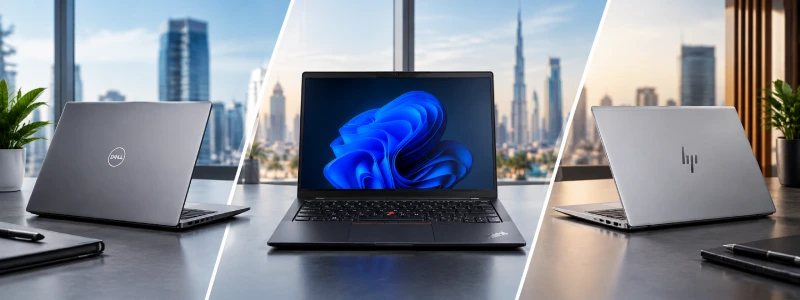
ThinkPad T14 and Dell Latitude laptops are both established business-oriented platforms.
Rather than declaring one universally superior, compare the exact models based on:
- Processor
- RAM
- Storage
- Display
- Battery
- Security
- Connectivity
- Portability
- Warranty
- Price
The ThinkPad T14 may be particularly attractive to users who prefer the ThinkPad keyboard and design philosophy, while a Latitude can be compelling when a particular Dell configuration provides better value or features for the buyer.
The same principle applies when comparing ThinkPad T14 with HP EliteBook.
Both target professional and business users.
Consider:
- Build and design
- Keyboard
- Display
- Processor
- Memory
- Storage
- Security
- Connectivity
- Warranty
- Price
The best purchase is the configuration that provides the right combination of specifications and business features for your workload.
ThinkPad T Series Comparisons
ThinkPad T14 vs Dell Latitude: Which Is Better?
ThinkPad T14 and Dell Latitude laptops are both established business-oriented platforms.
Rather than declaring one universally superior, compare the exact models based on:
- Processor
- RAM
- Storage
- Display
- Battery
- Security
- Connectivity
- Portability
- Warranty
- Price
The ThinkPad T14 may be particularly attractive to users who prefer the ThinkPad keyboard and design philosophy, while a Latitude can be compelling when a particular Dell configuration provides better value or features for the buyer.
ThinkPad T14 vs HP EliteBook: Which Should You Buy?
The same principle applies when comparing ThinkPad T14 with HP EliteBook.
Both target professional and business users.
- Build and design
- Keyboard
- Display
- Processor
- Memory
- Storage
- Security
- Connectivity
- Warranty
- Price
The best purchase is the configuration that provides the right combination of specifications and business features for your workload.
ThinkPad T14 vs ThinkPad E14
This is an important comparison for buyers who are considering different levels within Lenovo's ThinkPad family.
In simple terms:
ThinkPad E14: Value-oriented business ThinkPad
ThinkPad T14: More premium business ThinkPad
| Feature | ThinkPad E14 | ThinkPad T14 |
|---|---|---|
| Positioning | Mainstream business | Premium business |
| Portability | Very good | Excellent |
| Business features | Strong | More premium |
| Typical buyer | SMB/professional | Professional/enterprise |
| Price positioning | Generally lower | Generally higher |
The E14 can be a smart choice for buyers who want ThinkPad functionality while keeping the budget under control.
The T14 makes more sense for users who place greater emphasis on premium business features, portability and a higher-end professional experience.
Business, Reliability & Security
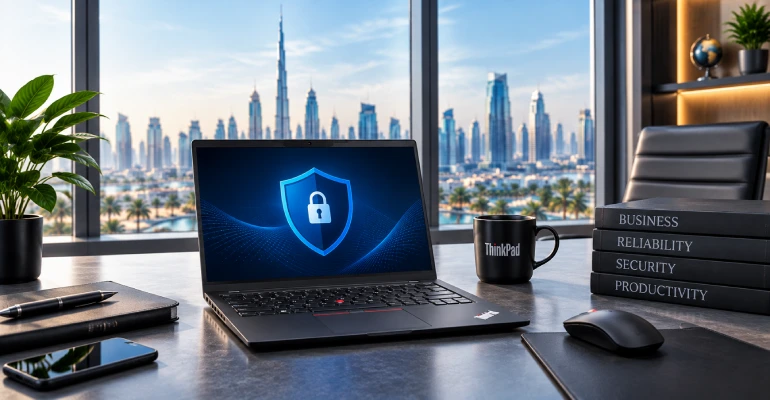
Yes. Business productivity is at the heart of the ThinkPad T Series.
It can be used for:
- Microsoft 365
- Microsoft Teams
- CRM
- ERP
- Accounting
- Office productivity
- Video conferencing
- Cloud applications
- Business analytics
- Remote work
The different T Series form factors also allow businesses to standardize around a laptop family while choosing different models for different employee roles.
For example, an organization could choose T14 for general employees, T14s for mobile executives and T16 for employees whose work requires a larger display.
ThinkPad T Series laptops are designed as professional business computers, but reliability should never be reduced to a guarantee that a laptop will last a specific number of years.
Actual longevity depends on:
- Workload
- Usage conditions
- Maintenance
- Battery cycles
- Environmental conditions
- Configuration
- Handling
For business buyers, it is therefore sensible to evaluate not only the hardware but also the warranty and support terms associated with the exact SKU.
Yes.
A T Series laptop can comfortably support common remote-work workflows involving:
- Microsoft Teams
- Zoom
- Microsoft 365
- Google Workspace
- Browser-based applications
- VPN
- Remote desktop
- CRM platforms
- Cloud storage
A T14 is particularly convenient for people who alternate between a home office, corporate office and other working locations.
ThinkPad models can include a range of business-oriented security technologies, although features vary by generation and configuration.
Depending on the model, buyers may encounter technologies such as:
- TPM
- Fingerprint readers
- Windows Hello
- Camera privacy shutters
- BIOS-level security features
- Privacy-oriented display options
- Enterprise security and management features
Lenovo documentation for ThinkPad models also lists features such as fingerprint authentication, face authentication, human-presence detection and TPM on selected configurations.
For business purchases, the exact security features should therefore be checked against the individual SKU.
Battery Life & Mobility
Battery life varies substantially according to the exact T14 generation and configuration.
Factors affecting real-world battery life include:
- Processor
- Battery capacity
- Display
- Screen brightness
- Wi-Fi usage
- Video conferencing
- Applications
- Power settings
- Battery health
As an example of why specifications matter, Lenovo's published specifications for an older T14 configuration list a 50Wh battery and up to 11 hours under its stated test conditions. That figure should not be treated as the battery-life expectation for every T14 generation.
For a new purchase, always evaluate battery claims alongside the exact SKU and Lenovo's stated testing methodology.
Yes.
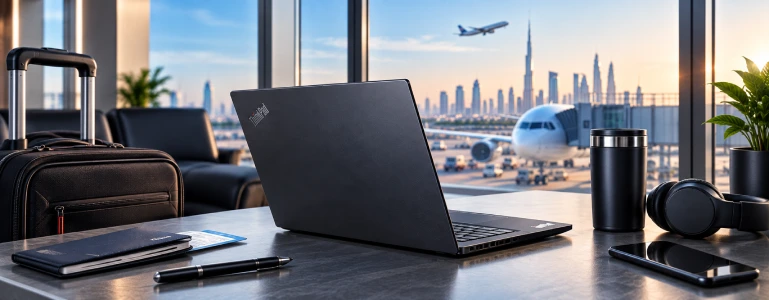
The 14-inch form factor strikes a useful balance between screen workspace and portability.
It is particularly suitable for:
- Consultants
- Sales professionals
- Executives
- Business travelers
- Field professionals
- Hybrid workers
For people who travel exceptionally frequently and want an even stronger focus on portability, the T14s is worth considering.
For many frequent travelers, yes.
The T14s is designed around a slimmer premium business-laptop concept, making it particularly suitable when minimizing bulk and maximizing mobility are important.
However, the decision should still account for processor, RAM, storage, display and battery configuration.
Multitasking & Professional Workloads
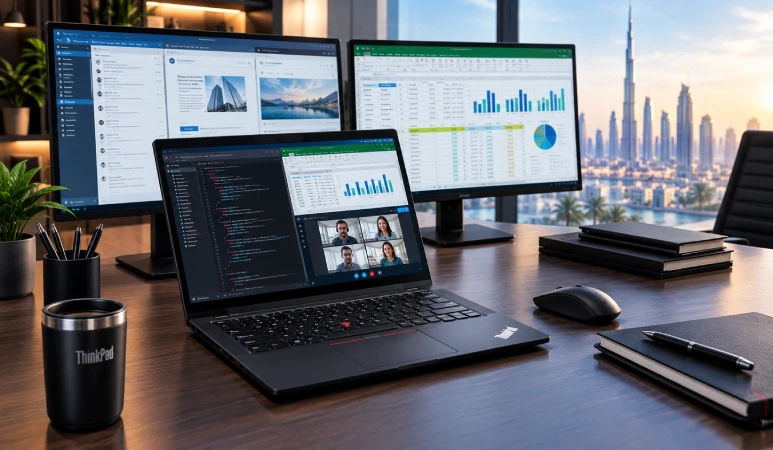
Yes, particularly when configured with 16GB or 32GB RAM.
A suitably configured T14 can handle a workload such as:
Chrome + Outlook + Teams + Excel + PowerPoint + PDFs + CRM + cloud applications
For developers and power users, 32GB can provide additional headroom for heavier workflows.
OMA's current T14 inventory includes 16GB configurations alongside 8GB models, illustrating why buyers should pay close attention to the exact configuration rather than simply choosing "T14."
Yes, particularly when paired with sufficient RAM and a suitable processor.
For ordinary business spreadsheets, a 16GB T14 or T16 should provide a strong starting point.
For complex financial models, large datasets and extensive multitasking, consider:
- 32GB RAM
- A higher-performance processor
- Larger SSD storage
- T16 if the larger display is useful
The T16's larger screen can be particularly advantageous when working with large worksheets and dashboards.
Many ThinkPad T Series configurations support external displays through their available ports and docking solutions, but the precise number and resolution of supported displays depend on the particular model and configuration.
For a professional desk setup, buyers should check the exact specifications of their chosen T14, T14s or T16 before purchasing a docking station or multiple-monitor setup.
Yes. The ThinkPad T Series remains a strong option for professional and business users in 2026.
However, the important question isn't simply whether a ThinkPad T Series laptop is worth buying. It is which configuration is worth buying for your particular workload.
For a new purchase, consider:
- Modern processor
- 16GB RAM or more
- 512GB SSD or greater
- Windows 11 Pro when required
- Suitable display
- Appropriate battery configuration
- Warranty and support
- Exact SKU
For basic office work, 16GB/512GB is a practical starting point.
For development, analytics and demanding multitasking, consider 32GB RAM.
Yes. The ThinkPad T Series remains a strong option for professional and business users in 2026.
However, the important question isn't simply whether a ThinkPad T Series laptop is worth buying. It is which configuration is worth buying for your particular workload.
For a new purchase, consider:
- Modern processor
- 16GB RAM or more
- 512GB SSD or greater
- Windows 11 Pro when required
- Suitable display
- Appropriate battery configuration
- Warranty and support
- Exact SKU
For basic office work, 16GB/512GB is a practical starting point.
For development, analytics and demanding multitasking, consider 32GB RAM.
Should I Buy ThinkPad T14, T14s or T16?
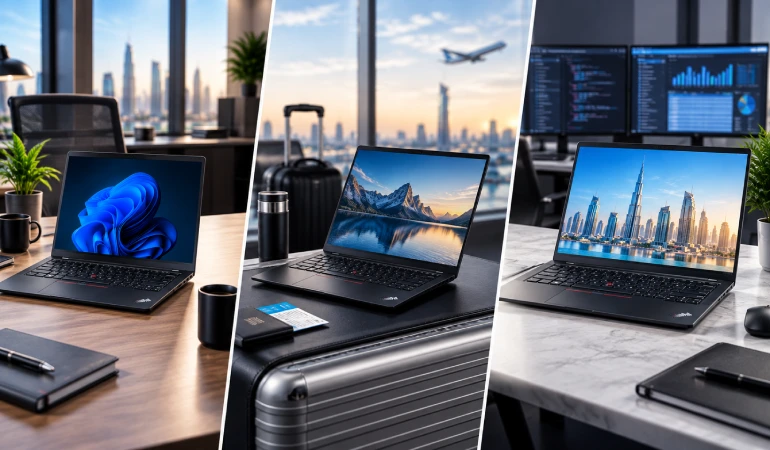
- Choose ThinkPad T14 if: You want the best overall balance of portability, performance and business productivity.
- Choose ThinkPad T14s if: You are an executive, consultant or frequent traveler who places a high priority on slim portability.
- Choose ThinkPad T16 if: You spend much of your working day looking at spreadsheets, dashboards, documents and multiple windows and prefer a larger screen.
Why Buy a ThinkPad T Series Laptop From OMA Computers?
When purchasing a business laptop in Dubai, the retailer matters almost as much as the hardware.
OMA Computers maintains a dedicated Lenovo ThinkPad T Series category with multiple T14, T14s and T16 configurations, allowing buyers to compare different processors, memory capacities, storage options, operating systems and display configurations.
You can browse the Lenovo ThinkPad T Series range at OMA Computers and compare the available models according to your requirements.
The Lenovo ThinkPad T Series is a versatile choice for professionals and businesses looking for a premium business laptop in Dubai, UAE.
The three main choices serve different priorities:
- ThinkPad T14: Best all-round business option
- ThinkPad T14s: Best for portability and frequent travel
- ThinkPad T16: Best for larger-screen productivity
The most important buying principle is to compare the complete configuration rather than the model name alone.
For most professional users, 16GB RAM and a 512GB SSD provide a sensible starting point. Developers, analysts and heavy multitaskers may benefit from 32GB RAM, while users working extensively with spreadsheets and dashboards may prefer the larger T16.
Ready to compare ThinkPad T Series laptops? Explore the current Lenovo ThinkPad T Series collection at OMA Computers.
And if you're deciding where to purchase your next laptop in Dubai, read Why OMA Computers Is One of the Best Places to Buy Laptops in Dubai for a broader look at what to consider when choosing a laptop retailer.
Explore Other ThinkPad Series Laptops:
- https://omacomputers.com/product-category/business-laptop/lenovo-laptops/lenovo-thinkpad/thinkpad-l-series/
- https://omacomputers.com/product-category/lenovo/lenovo-premium-series/thinkpad-x-series/
- https://omacomputers.com/product-category/business-laptop/lenovo-laptops/lenovo-thinkpad/thinkpad-edge-series/thinkpad-e14/
- https://omacomputers.com/product-category/business-laptop/lenovo-laptops/lenovo-thinkpad/
Contact Us, OMA Computers- One of the top Dubai laptop dealers