






Frequently Asked Questions About Dell EMC SAN Storage in Dubai, UAE

Dell EMC SAN Storage FAQs: ME5012, SAS Drives & More | UAE
Businesses increasingly depend on fast, reliable and centrally managed storage to support virtualization, databases, ERP systems, business applications and growing volumes of data. For these environments, a Storage Area Network (SAN) can provide a dedicated storage infrastructure that allows servers to access centralized block storage.
Dell EMC has a long history in enterprise storage, with Dell Technologies continuing the storage portfolio under brands such as PowerVault and other enterprise storage families. For businesses looking specifically for Dell EMC SAN storage in Dubai and the UAE, the right choice depends on the storage array, drive technology, connectivity, capacity, performance requirements and compatibility with the existing infrastructure.
OMA Computers' Dell EMC SAN Storage category includes storage products such as the Dell ME5012 Storage Array and Dell SC-series storage components. This guide answers the most common questions buyers have about Dell EMC SAN storage, Dell PowerVault ME5012, SAS drives, storage capacity, connectivity and choosing the right solution.
What Is Dell EMC SAN Storage?
A Storage Area Network, or SAN, is a dedicated storage infrastructure that provides servers with access to centralized storage resources.
Unlike conventional file storage, which typically presents shared folders and files to users, SAN storage generally provides block-level storage. Servers can access storage volumes or LUNs as if they were locally attached storage.
A typical SAN environment can include:
Servers → SAN connectivity → Storage array → Storage drives
Depending on the storage platform and configuration, connectivity may use technologies such as Fibre Channel, iSCSI or SAS.
SAN storage is particularly useful for workloads that require centralized, reliable and scalable storage, including:
- Virtual machines
- Databases
- ERP applications
- Business-critical applications
- Server consolidation
- Enterprise application environments
- High-volume transactional workloads
What Dell EMC SAN Storage Products Are Available from OMA Computers?
OMA Computers offers Dell and Dell EMC storage products through its enterprise storage inventory.
The most relevant products for this SAN-focused article include:
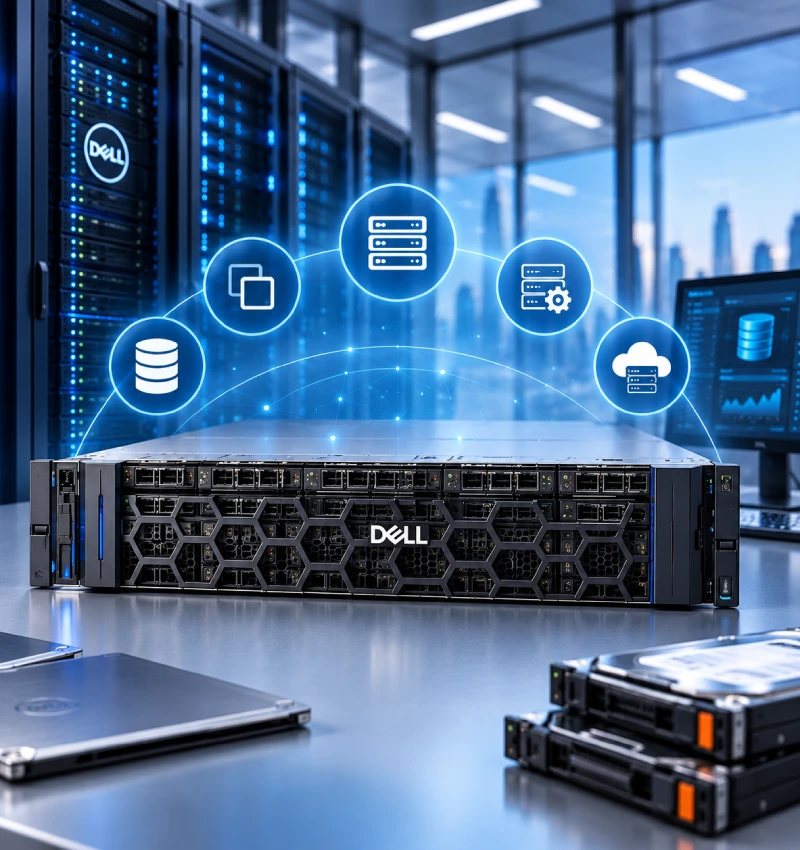
Dell ME5012 Storage Array
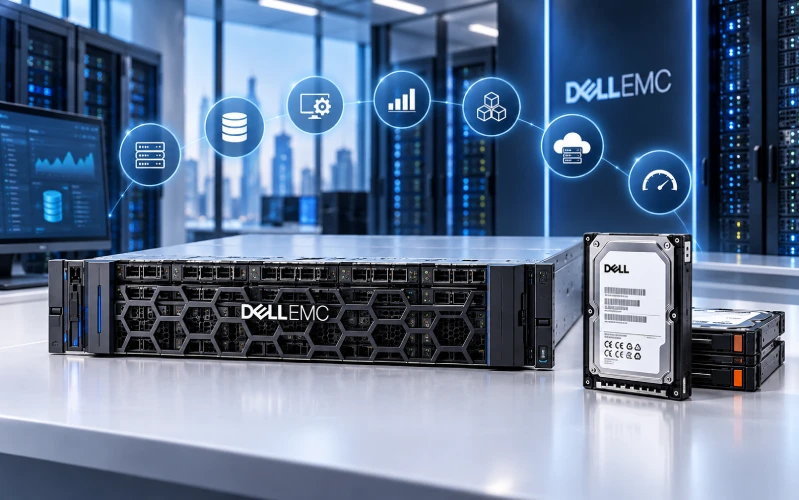
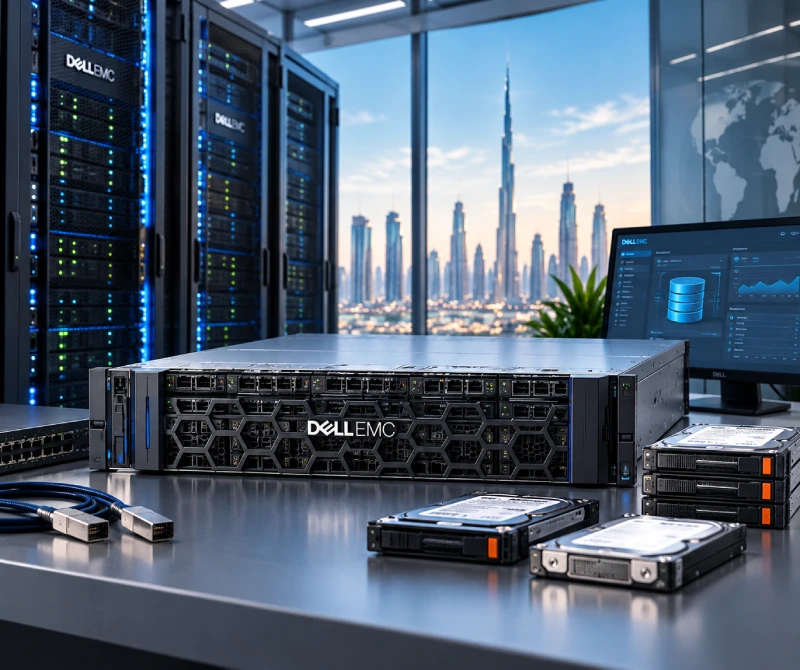
The Dell ME5012 Storage Array is a Dell PowerVault ME5-series storage system designed for enterprise storage environments.
OMA's listing identifies the product as a Dell ME5012 Storage Array with a 3-year Basic Warranty and Next Business Day service.
View the Dell ME5012 Storage Array at OMA Computers
Dell documentation identifies the ME5012 as part of the PowerVault ME5 family. Depending on configuration, the ME5 platform supports SAS, iSCSI and Fibre Channel connectivity.
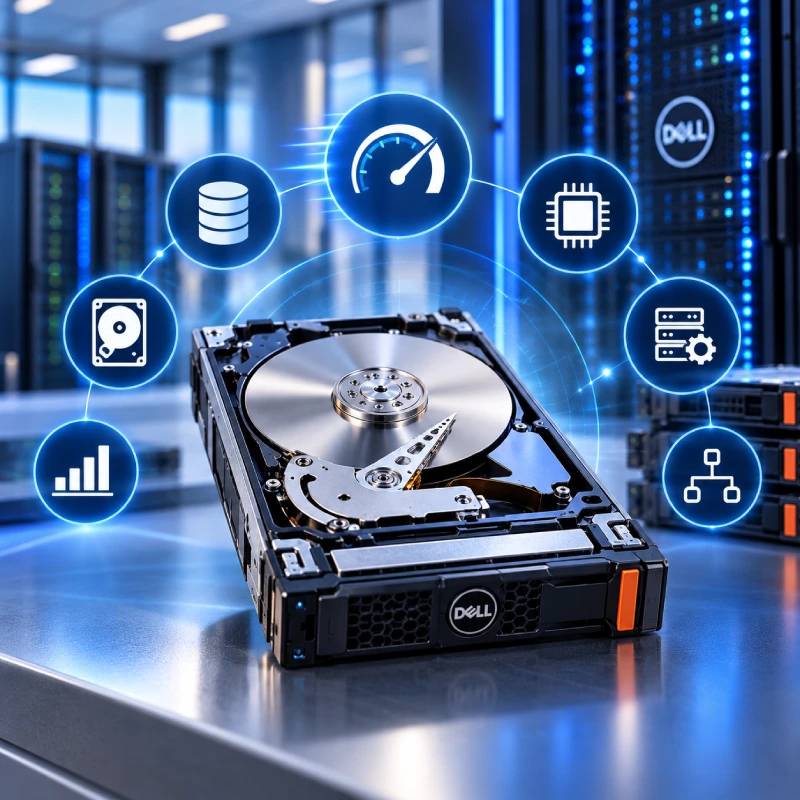
Dell SC 1.8TB SAS 12Gb/s 10K 3.5-inch HDD Customer Kit
OMA also lists a Dell SC 1.8TB SAS 12Gb/s 10K 3.5-inch HDD Customer Kit.
View the Dell SC 1.8TB SAS HDD at OMA Computers
This product is fundamentally different from the ME5012. The ME5012 is a storage array, while the SC 1.8TB unit is a storage drive/component intended for compatible Dell storage environments.
This distinction is important when shopping for enterprise storage: buying a drive is not the same as buying a complete storage array.
- Virtual machines
- Databases
- ERP applications
- Business-critical applications
- Server consolidation
- Enterprise application environments
- High-volume transactional workloads
What Is the Dell PowerVault ME5012?
The Dell ME5012 is a storage array in Dell's PowerVault ME5 family.
It is designed for organizations that need centralized storage for servers and applications. The platform can be configured for different host connectivity technologies and storage media, making the exact configuration an important consideration when purchasing.
The ME5 family is positioned by Dell around storage applications such as virtualization, databases and other business workloads.
The ME5012 should therefore be viewed as a complete storage-system platform, rather than simply a collection of hard drives.
The ME5 platform can be used in SAN-oriented environments. Depending on the configuration, supported host interfaces include Fibre Channel and iSCSI, while SAS configurations can also be used for direct-attached storage scenarios.
This means buyers should not look only at the ME5012 model number. They should also confirm the specific controller and connectivity configuration supplied with the system.
The ME5012 is the 3.5-inch drive model in the ME5 family and provides a 12-drive base enclosure.
Dell also documents expansion options for ME5 configurations, allowing organizations to increase storage capacity as requirements grow. Exact expansion capability depends on the configuration and supported expansion enclosure.
When purchasing an ME5012, buyers should therefore distinguish between:
- Base array capacity
- Installed drive capacity
- Usable capacity
- Expansion capacity
- RAID-protected capacity
The PowerVault ME5 family supports different storage media depending on the specific configuration.
Dell documentation identifies supported enterprise storage media including SAS HDDs and SSDs, with different performance and capacity characteristics.
The correct drive choice depends on the workload.
For example:
Enterprise HDDs can provide high capacity at a lower cost per terabyte.
10K SAS HDDs can provide a performance-oriented rotational storage option.
SSDs can provide significantly lower latency and higher performance for suitable workloads.
However, buyers should always verify the exact supported drive models, capacities, firmware and configuration before installing additional drives.
What Does 12Gb/s SAS Mean?
SAS stands for Serial Attached SCSI.
A 12Gb/s SAS specification refers to the interface's signaling rate. It does not mean that an HDD will necessarily deliver 12Gb/s of real-world application throughput.
Actual performance depends on several factors, including:
- Drive technology
- Rotational speed
- Controller architecture
- RAID configuration
- Queue depth
- Workload
- Network or host connectivity
- Storage software
SAS is widely used in enterprise storage because it provides features and characteristics designed for business storage environments.
A 10K RPM hard drive rotates its magnetic platters at 10,000 revolutions per minute.
Rotational speed affects mechanical storage latency and can contribute to higher I/O performance compared with slower enterprise HDDs.
The Dell SC 1.8TB drive listed by OMA combines:
- 1.8TB capacity
- SAS interface
- 12Gb/s interface specification
- 10K RPM rotational speed
- 3.5-inch form factor
This makes it a specialized enterprise storage component rather than a conventional desktop hard drive.
What Is a Dell SC Storage Customer Kit?
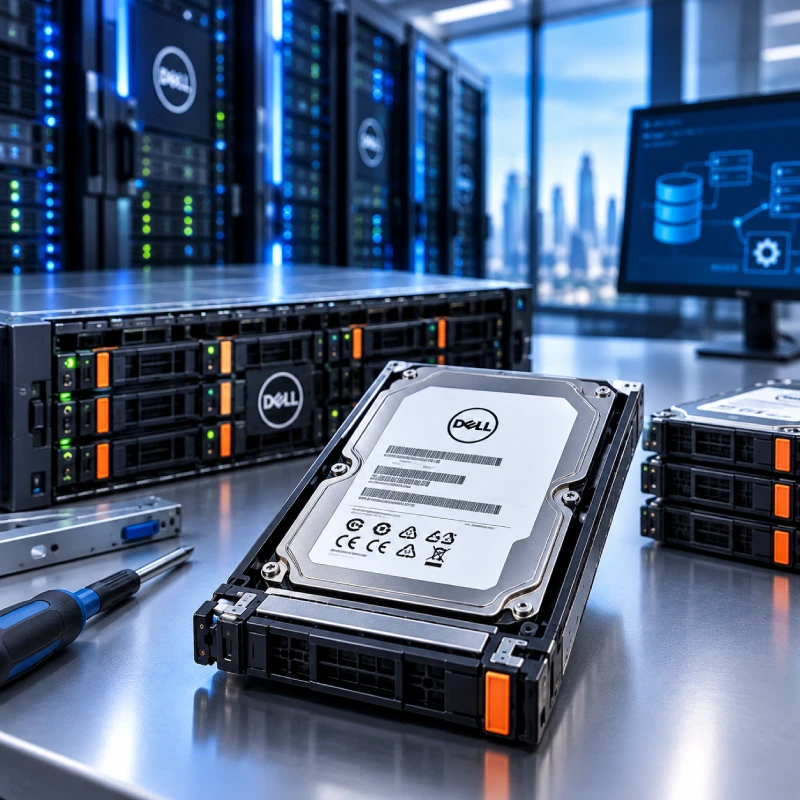
A customer kit generally refers to a drive or component packaged and supplied for customer installation in a supported storage environment.
For the Dell SC 1.8TB SAS drive, buyers should pay particular attention to:
- Exact Dell part/model number
- Storage-system compatibility
- Drive capacity
- SAS interface
- Form factor
- Rotational speed
- Firmware
- Existing RAID configuration
A customer kit should therefore not automatically be interpreted as a universal Dell storage drive.
No.
Dell enterprise drives are often designed and qualified for particular storage platforms.
Compatibility can depend on:
- Storage array model
- Controller generation
- Drive interface
- Form factor
- Capacity
- Firmware
- Drive qualification
- RAID configuration
- Storage enclosure
For example, a Dell SC-series drive should not automatically be assumed to be compatible with a PowerVault ME5012 simply because both products carry the Dell name.
Before purchasing a replacement or expansion drive, verify the exact storage platform and supported drive list.
Dell provides compatibility and support documentation for its PowerVault ME5 systems, including supported drives and related components.
What Is the Difference Between SAS, iSCSI and Fibre Channel?
These technologies can play different roles in a storage architecture.
| Technology | Typical Role | Main Characteristic |
|---|---|---|
| SAS | Direct-attached storage | Direct server-to-storage connectivity |
| iSCSI | IP SAN | Uses Ethernet/IP networking |
| Fibre Channel | FC SAN | Dedicated storage networking |
| Ethernet/NAS | File storage | Access to files and shares |
The right technology depends on the organization's existing infrastructure, performance requirements, server adapters, switches and budget.
For ME5 systems, Dell supports different protocol configurations, including Fibre Channel, iSCSI and SAS depending on the model/configuration.
Yes, SAN storage can be particularly useful in virtualized environments because multiple virtualization hosts can access centralized storage.
A SAN can help organizations:
- Centralize VM storage
- Support multiple virtualization hosts
- Simplify storage administration
- Consolidate workloads
- Scale storage separately from compute resources
The exact configuration should be designed around the virtualization platform, host adapters, connectivity protocol, datastore requirements and desired redundancy.
Dell provides PowerVault ME5 resources specifically covering VMware environments and related integration.
SAN storage can be suitable for database environments where predictable storage performance, centralized management and availability are important.
Typical workloads may include:
- Microsoft SQL Server
- Oracle databases
- ERP systems
- CRM applications
- Transaction processing
- Business intelligence workloads
However, database performance depends on much more than storage capacity.
Buyers should consider:
- IOPS
- Latency
- Sequential throughput
- Random I/O performance
- RAID configuration
- Controller architecture
- Cache
- Database workload
- Growth requirements
A storage system with more terabytes is not necessarily a faster storage system.
The answer depends on the workload and expected growth.
When sizing a SAN, consider three different capacity concepts:
Raw capacity:
The combined capacity of the installed physical drives.
Usable capacity:
The capacity available to applications after RAID and system overhead.
Operational capacity:
The capacity that should actually be consumed while leaving room for snapshots, growth, rebuilds and operational requirements.
For example, an organization purchasing a SAN for virtualization should consider not only today's VM storage requirements but also expected VM growth over the next several years.
Is SAN Better Than NAS?
Neither technology is universally better.
SAN and NAS solve different storage-access requirements.
| Feature | SAN | NAS |
|---|---|---|
| Storage access | Block | File |
| Common access method | LUNs/volumes | File shares |
| Common workloads | VMs, databases, applications | File sharing, collaboration |
| Typical infrastructure | FC, iSCSI, SAS | Ethernet/IP |
| Primary users | Servers/applications | Users and applications |
A SAN is often appropriate when servers need block storage.
NAS is generally more appropriate when users and applications need shared files and folders.
Organizations may use both technologies in the same data center.
Is Dell EMC SAN Storage Suitable for Small and Medium Businesses?
It can be, particularly when an organization has outgrown individual server disks and needs centralized storage.
Potential SMB use cases include:
- Server virtualization
- Database hosting
- ERP
- Business applications
- Centralized storage
- Server consolidation
- Storage expansion
The key is to avoid overbuying.
A business should select the array, drives, connectivity and capacity according to its actual workload rather than simply choosing the largest available configuration.
A 10K RPM hard drive rotates its magnetic platters at 10,000 revolutions per minute.
Rotational speed affects mechanical storage latency and can contribute to higher I/O performance compared with slower enterprise HDDs.
The Dell SC 1.8TB drive listed by OMA combines:
- 1.8TB capacity
- SAS interface
- 12Gb/s interface specification
- 10K RPM rotational speed
- 3.5-inch form factor
This makes it a specialized enterprise storage component rather than a conventional desktop hard drive.
What Should You Check Before Buying Dell EMC SAN Storage?
Use this checklist before ordering a Dell storage array or storage component:
- Exact model number
- Storage controller configuration
- Number of installed drives
- Drive type
- Drive capacity
- HDD versus SSD
- RAID configuration
- Usable storage capacity
- Host connectivity
- iSCSI, Fibre Channel or SAS requirements
- Required host adapters
- Switch requirements
- Switch requirements
- Expansion requirements
- Firmware compatibility
- Availability of replacement components
A customer kit should therefore not automatically be interpreted as a universal Dell storage drive.
What Is the Difference Between a Storage Array and a Storage Drive?
This distinction is particularly important when comparing the Dell products available from OMA.
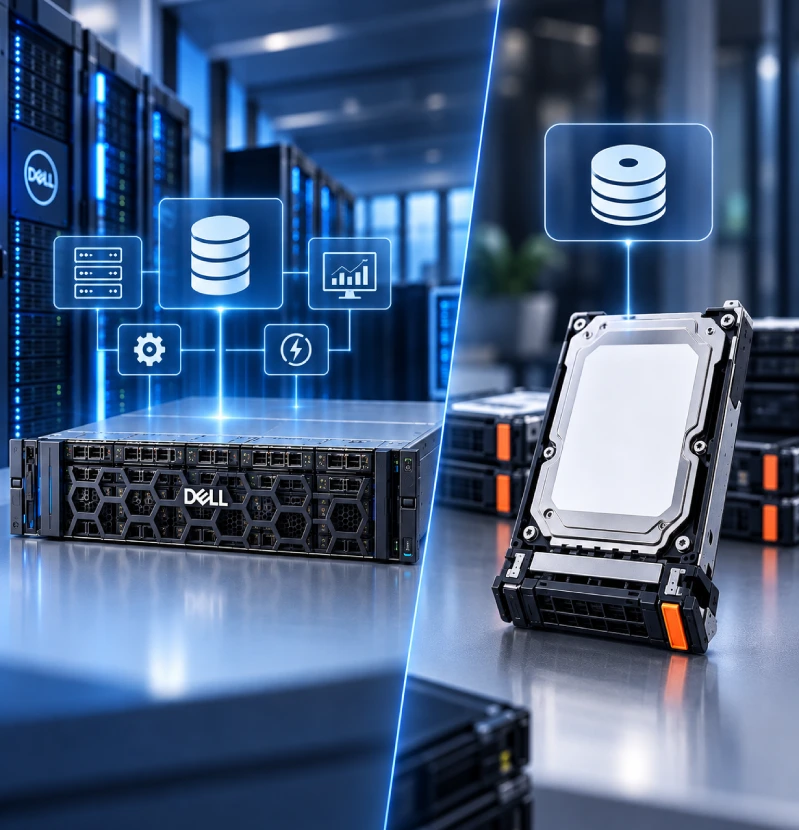
A storage array is a complete storage platform containing components such as controllers, drive bays, power supplies and management functionality.
A storage drive is an individual storage device installed within a compatible server or storage system.
For example: Dell ME5012 → Storage array
Dell SC 1.8TB SAS 10K → Storage drive/component
Therefore, someone replacing a failed drive in an existing Dell SC environment may need the SC SAS customer kit, while someone deploying a new centralized storage system may be evaluating a complete storage array such as the ME5012.
Is New or Older Dell EMC SAN Storage Better?
The newest product is not automatically the best choice for every organization.
When evaluating a current or previous-generation Dell EMC storage system, consider:
- Product lifecycle
- Firmware availability
- Vendor support
- Replacement parts
- Drive compatibility
- Controller compatibility
- Performance
- Power consumption
- Warranty
- Total cost of ownership
For older Dell EMC/SC environments, maintaining platform compatibility can be more important than simply purchasing the newest available drive.
How Much Does Dell EMC SAN Storage Cost in Dubai?
Dell EMC SAN storage pricing varies considerably depending on configuration.
Factors affecting the final price include:
- Storage array model
- Number of drives
- Drive capacity
- HDD or SSD media
- Controllers
- Host connectivity
- Expansion shelves
- Software
- Warranty
- Support requirements
For this reason, it is better to compare complete configurations rather than comparing storage capacity alone.
OMA Computers’ Dell EMC SAN Storage category provides a starting point for reviewing available products in the UAE.
For older Dell EMC/SC environments, maintaining platform compatibility can be more important than simply purchasing the newest available drive.
Frequently Asked Questions About Dell EMC SAN Storage
Dell EMC SAN storage is centralized enterprise storage that provides servers with access to block-level storage resources. Depending on the platform and configuration, connectivity can include technologies such as Fibre Channel, iSCSI or SAS.
The Dell ME5012 is a PowerVault ME5-series storage array designed for centralized storage deployments. Its configuration can support different host connectivity technologies and storage media.
Yes. The PowerVault ME5 platform is designed for workloads including virtualization, although the exact configuration should be selected according to the virtualization platform, host connectivity and performance requirements.
12Gb SAS describes the SAS interface signaling rate. It should not be interpreted as guaranteed real-world application throughput from an individual HDD.
10K SAS generally refers to a SAS hard drive operating at 10,000 RPM. It is an enterprise rotational-storage technology designed for higher performance than slower spinning HDDs.
It is a 1.8TB 3.5-inch 10K SAS storage drive with a 12Gb/s interface specification, listed by OMA Computers as a Dell SC customer kit.
No. Compatibility depends on the exact storage platform, controller, drive specifications, firmware and supported configuration.
Not necessarily. SAN provides block storage and is commonly used for servers, databases and virtualization, while NAS provides file-based storage and is commonly used for shared files and folders.
Many SAN platforms support expansion, but the available expansion options depend on the specific storage system, controllers, enclosures and supported configurations.
No. SAN storage is the primary storage infrastructure; it should not be considered a replacement for an independent backup and disaster-recovery strategy.
Verify the exact storage platform, drive model, capacity, interface, form factor, firmware compatibility and supported-drive list before purchasing.
Why Consider Dell EMC SAN Storage from OMA Computers?
For businesses in Dubai and across the UAE, OMA Computers provides access to Dell and Dell EMC enterprise storage products, including storage arrays and storage components.
The most important consideration is to match the product to the actual infrastructure requirement.
If you need a complete storage array, evaluate products such as the Dell ME5012.
If you need an expansion or replacement drive for an existing compatible Dell storage environment, a product such as the Dell SC 1.8TB SAS customer kit may be more appropriate.
Always confirm the exact configuration and compatibility before ordering enterprise storage hardware.
Conclusion
Dell EMC SAN storage can provide a centralized foundation for virtualization, databases, ERP systems and other business-critical applications. However, choosing the right storage solution requires more than comparing terabytes.
The Dell ME5012 represents a complete PowerVault storage-array platform, while the Dell SC 1.8TB 10K SAS customer kit represents an individual enterprise storage component. Understanding this distinction is essential when evaluating Dell storage products.
Before purchasing, consider capacity, performance, RAID, connectivity, compatibility, expansion, warranty and future growth.
For businesses looking for Dell EMC SAN storage in Dubai or elsewhere in the UAE, start by identifying the workload and existing infrastructure, then select the storage array or component that fits those requirements.
Contact Us, OMA Computers- One of the top Dubai laptop dealers